


Learn how to send back-in-stock notifications in Shopify using apps, automation, and best practices to recover lost sales and improve conversions.
Stockouts can cost Shopify store owners sales and loyal customers. Shoppers often abandon products that aren’t available, leaving potential revenue untapped. Setting up back-in-stock notifications ensures customers are alerted as soon as their desired items are back in stock. It helps you recover lost sales and keep your audience engaged.
While Shopify offers basic options to collect interest, automating notifications with the right setup makes the process efficient and reliable. This guide will walk you through sending back-in-stock notifications in Shopify, including practical steps, best practices, and tips to optimize alerts for higher conversions.
Key Takeaways
- Shopify’s default notify option only captures emails; automated back-in-stock notifications require an app with trigger logic and variant support.
- Inventory accuracy and clear notification goals should be defined before setup to avoid early alerts and irrelevant messaging.
- Effective setups include variant-level alerts, minimum stock thresholds, and multi-channel notifications based on customer behavior.
- Restock signups can be used beyond alerts, including CRM flows, demand forecasting, and replenishment planning.
- Conversion improves when customers return to clear product pages where the correct variant, images, and details are easy to identify.
How Notify When Available Works in Shopify
Shopify does not natively send automated back-in-stock notifications to customers by default. What many stores call “Notify me when available” is usually a theme add-on or an app widget that collects interest on the product page.
Key points to know:
- The widget typically collects email (and sometimes phone) signups for a product or specific variant.
- Shopify won’t automatically notify customers when inventory returns unless you use an app or an automation workflow connected to email/SMS sending.
- Variant-level support matters. If the signup is only at the product level, customers may be alerted even when the exact size/colour they want is still unavailable.
This method works well for stores with very small catalogs and merchants who have the resources to manually manage and send notifications. However, it is a basic starting point that can quickly become inefficient as your store grows.
What to Prepare Before Setting Up Back in Stock Notifications
Before setting up notifications, taking a few key steps ensures your alerts are effective and actionable.
- Audit Your Inventory Strategy: Make sure stock levels are tracked accurately for each location and variant to avoid sending notifications prematurely. You should also decide whether to allow pre-orders or wait until products are fully in stock, as this choice affects customer expectations and fulfillment readiness.
- Segment Products for Notification Logic: Focus on high-demand, fast-selling SKUs when enabling automated alerts, while slow-moving products may not need notifications. This approach reduces unnecessary messages and keeps engagement high.
- Define Notification Goals: Clarify whether your main goal is recovering sales lost to stockouts, using signup data to forecast demand, or growing your CRM email lists. Each objective will influence how you configure alert timing, messaging, and automation.
Once preparation is complete, the next step is setting up notifications, so alerts are sent automatically and at the right time.
Step-by-Step Setup for Back in Stock Notifications in Shopify
Setting up back-in-stock notifications with an app automates alerts, saves time, and ensures customers receive timely updates. Here’s how to do it effectively:
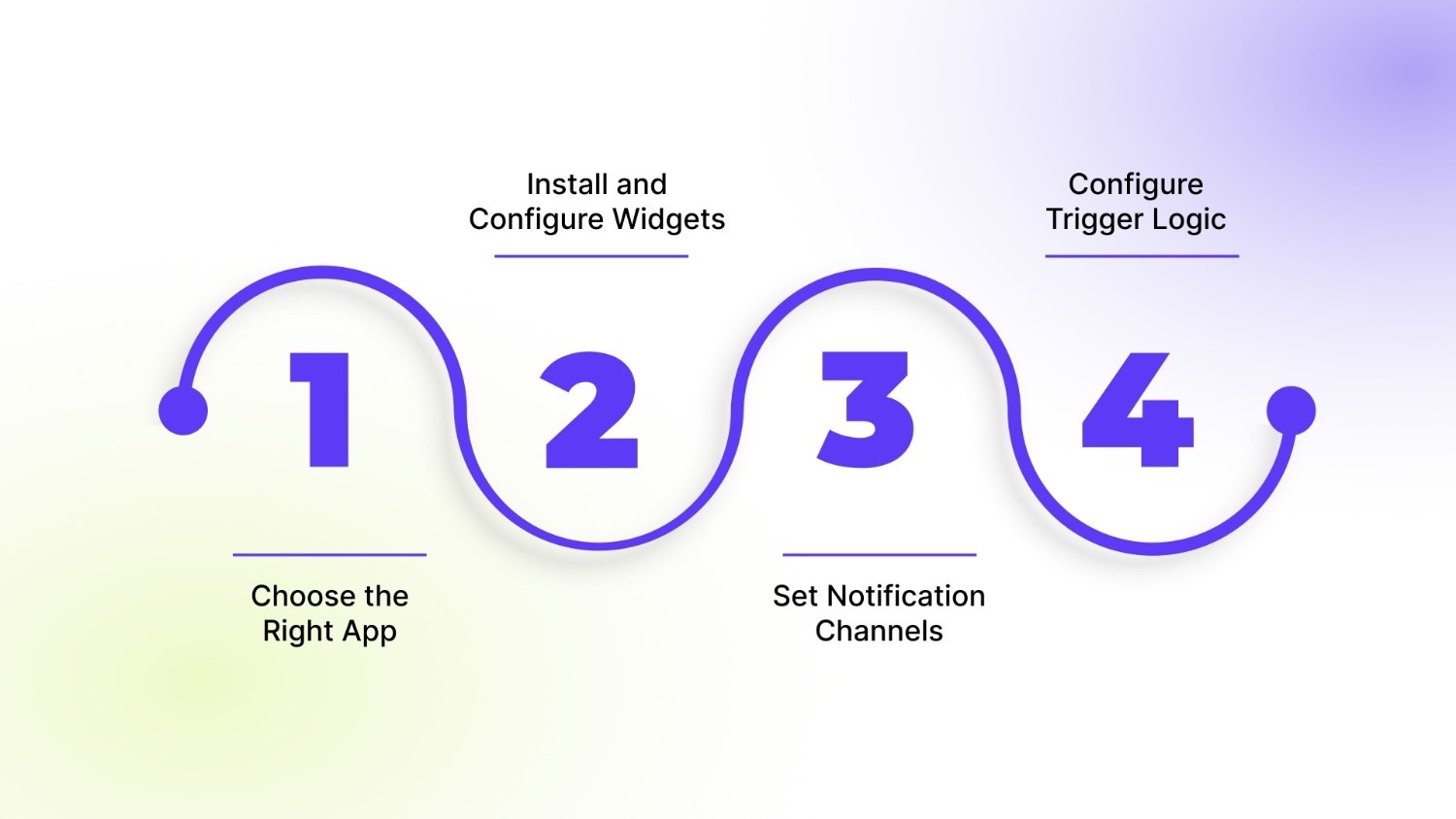
1. Choose the Right App
Start by selecting an app that fits your store’s needs. Key features to look for include:
- Support for multiple notification channels such as email, SMS, or push notifications.
- A clear and user-friendly waitlist interface.
- Analytics and reporting to track signups and conversions.
- Multi-location and variant-level support for complex inventories.
Merchants commonly use apps like Appikon Back in Stock Alerts, Amp Back in Stock | PreOrder, and Swym Back in Stock Alerts. The right choice depends on your store size, catalog complexity, and preferred notification channels.
2. Install and Configure Widgets
Once the app is chosen, add and style your notification widgets:
- Place the “Notify Me” button prominently on product pages and, if possible, on collection pages.
- Match the button style to your store’s branding for a consistent user experience.
- Ensure the widget is mobile-friendly, as many customers browse on smartphones.
Proper placement increases visibility and encourages signups without disrupting the shopping experience.
3. Set Notification Channels
Decide how alerts will reach customers:
- Email: Best for detailed information and product imagery.
- SMS: Higher open rates and immediate attention.
- Push notifications: Effective for on-site engagement and returning visitors.
Using multiple channels strategically can improve signups and conversions without overwhelming customers.
4. Configure Trigger Logic
Set rules for when and how notifications are sent:
- Choose between immediate alerts or scheduled daily sends.
- Notify customers only when stock exceeds a minimum threshold to avoid frustration.
- Decide if alerts should be variant-specific or apply to the entire product.
Proper trigger configuration helps prevent spam, ensures customers receive relevant alerts, and increases the likelihood of sales. Now that notifications are set up, you can improve how alerts are sent to get better results.
Also Read: How Do You Build Flexible Catalogs With Shopify Custom Code Variants?
Advanced Setup Tips to Improve Restock Notification Performance
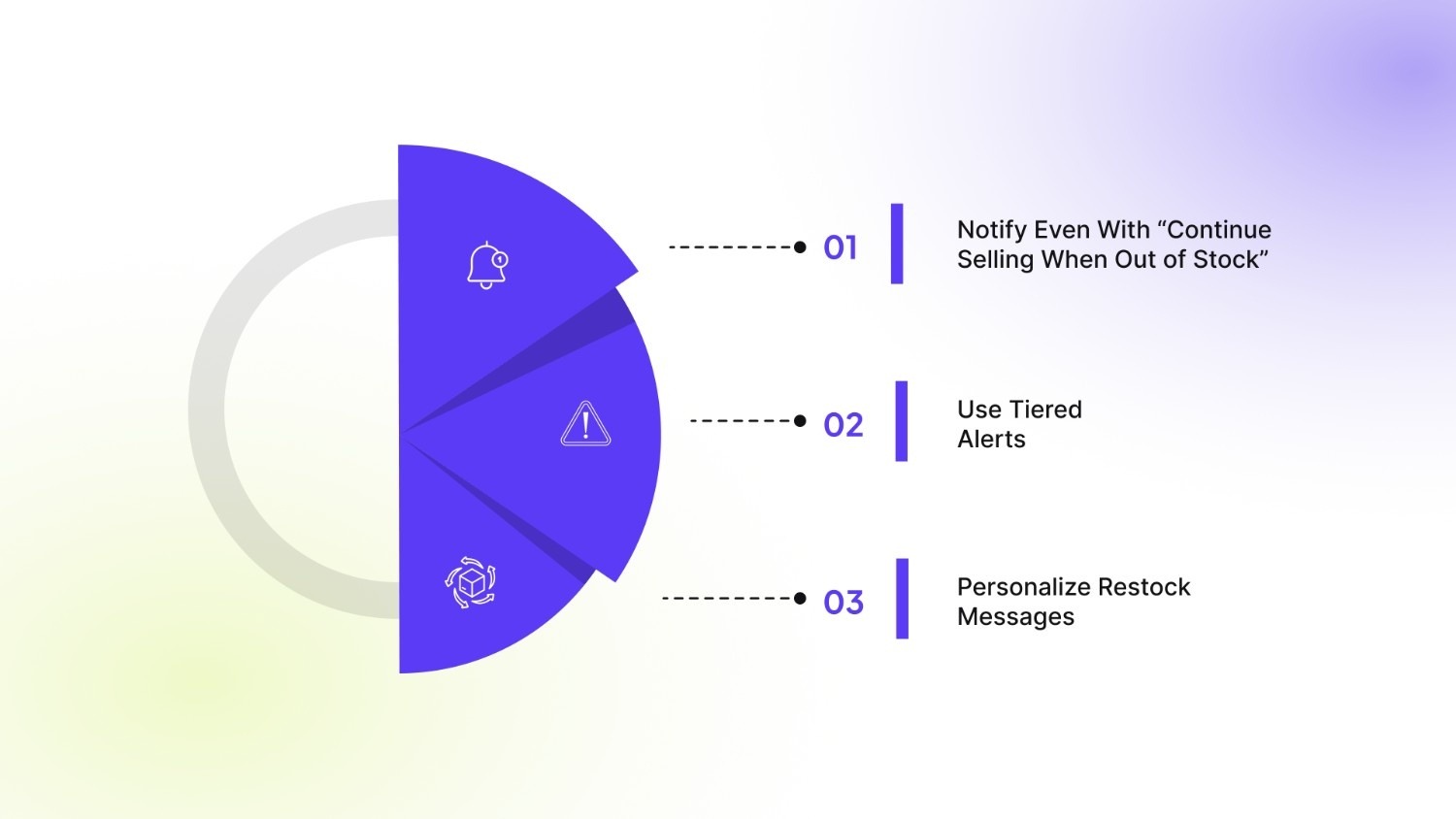
Once basic notifications are set up, refining how alerts are sent can significantly improve engagement and conversions. These configurations help stores get more value from restock demand instead of sending one-time alerts that are easy to miss.
1. Notify Even With “Continue Selling When Out of Stock”
Some stores allow purchases even when inventory reaches zero, especially for made-to-order, pre-order, or fast-replenished products. In these cases, notifications can still be useful for customers who prefer waiting until stock is officially available.
- Enable alerts even when inventory tracking is disabled or overselling is allowed.
- Use this setup for pre-order launches or products with predictable restock timelines.
- Clearly communicate availability expectations to avoid confusion.
This approach helps capture demand while keeping customers informed about availability changes.
2. Use Tiered Alerts
A single notification may not be enough, especially if customers miss the initial message. A structured follow-up sequence improves visibility and recovery rates.
- Send the first alert as soon as the product is back in stock.
- Follow up after 2–3 days as a reminder for customers who did not purchase.
- Add an incentive such as free shipping or a limited discount after 7–14 days to re-engage interest.
Spacing notifications thoughtfully keeps communication relevant without overwhelming subscribers.
3. Personalize Restock Messages
Generic alerts often receive lower engagement. Including product-specific details helps customers immediately recognize the item they were waiting for.
- Add variant images so customers can quickly identify the product.
- Mention expected availability timelines or limited stock messaging when accurate.
- Include variant details such as color or size to reduce friction during purchase.
Personalized notifications improve click-through rates and make it easier for customers to complete their purchase quickly. Restock notifications don’t operate in isolation. When connected with marketing and inventory workflows, they can support retention, automation, and better restocking decisions.
Connecting Restock Notifications With Marketing and Inventory
Back in stock notifications become more valuable when connected with other parts of your commerce workflow. Instead of functioning as a single alert, they can support marketing automation, customer retention, and inventory planning when configured correctly.
CRM & Email Automation Tools
Back-in-stock events can be integrated with CRM and email automation platforms such as Klaviyo or Mailchimp. This allows merchants to move beyond one-time alerts and build targeted communication based on customer intent. For example, customers who sign up for restock notifications can automatically enter follow-up flows if they do not complete a purchase.
Common use cases include:
- Sending reminder emails to customers who clicked the notification but did not buy.
- Triggering related product recommendations after restock alerts.
- Segmenting customers based on product or variant interest for future campaigns.
Careful setup is important. Inventory triggers should be reviewed closely to ensure alerts are sent only when stock is actually available. Incorrect configuration can lead to early notifications or duplicate messages, which reduces engagement over time.
Inventory Forecasting & Demand Signals
Restock signup data also provides useful insight into customer demand. A high number of notification requests often indicates strong interest in specific products or variants, helping merchants make informed restocking decisions.
This data can be used to:
- Identify which variants should be prioritized during replenishment.
- Adjust purchase quantities based on real customer interest.
- Support planning for future launches or seasonal demand.
Over time, tracking notification signups helps merchants align inventory decisions with actual customer demand instead of relying only on past sales data. After connecting notifications with marketing and inventory workflows, the next step is tracking how well they perform and identifying where improvements can be made.
Recommended: How to Create and Manage Multiple Shopify Stores.
Measuring and Improving Restock Notification Performance
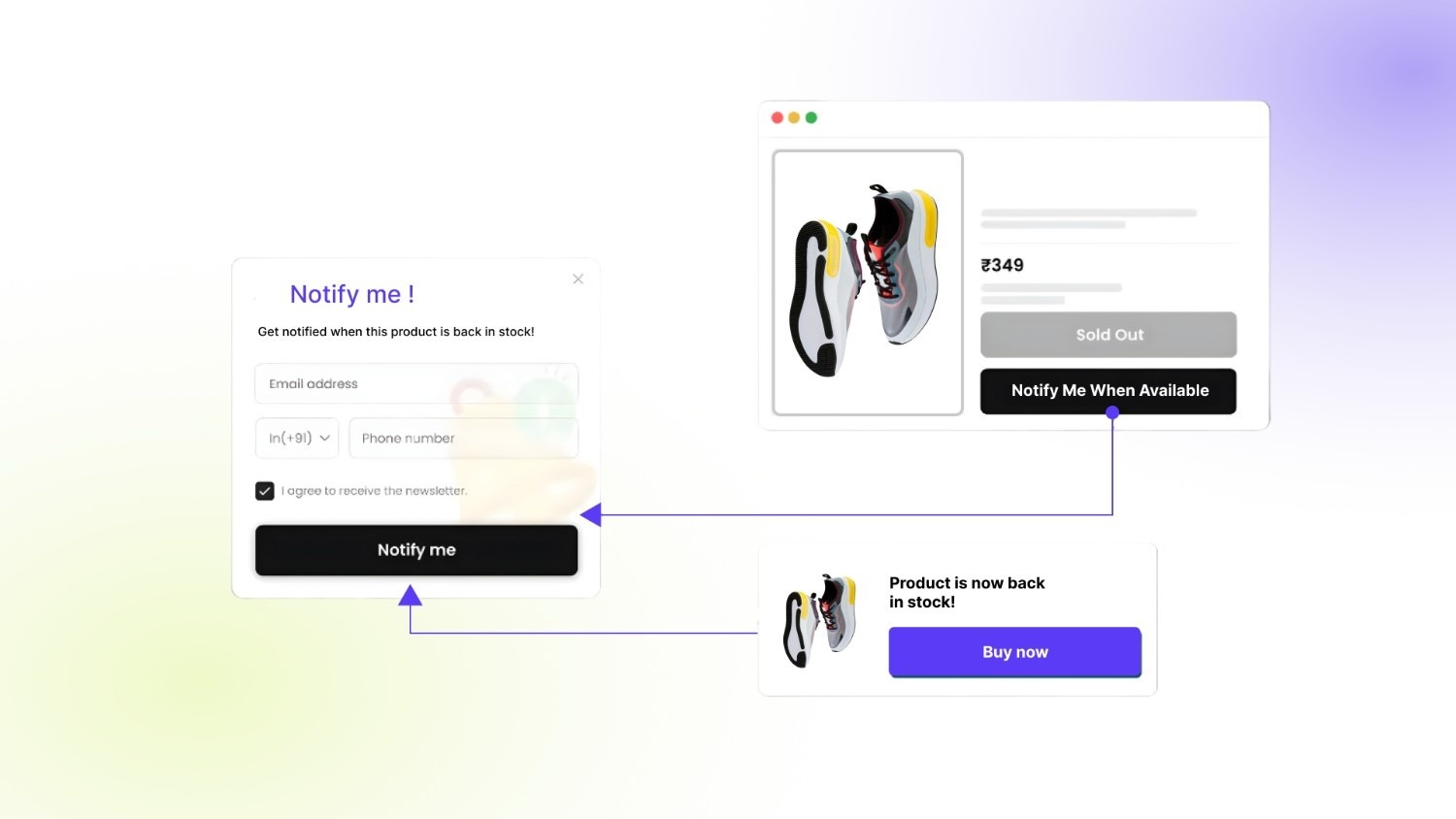
Setting up back-in-stock notifications is only the first step. Tracking the right metrics helps you understand what is working, where customers drop off, and how much revenue your alerts are actually recovering.
- Signup rate per SKU or variant: This shows how many customers request notifications for specific products or variants. A sudden increase often indicates demand spikes and helps identify items that should be restocked faster or stocked in higher quantities.
- Open rate and click-through rate (CTR): These metrics indicate how effective your notification messaging and channel selection are. Low open rates may signal weak subject lines or poor timing, while low CTR may suggest the message lacks clarity or relevance.
- Conversion rate from notification to purchase: This measures how many notified customers actually complete a purchase. It helps evaluate whether alerts are sent at the right time and whether messaging aligns with customer expectations.
- Revenue recovered from stockouts: Tracking sales generated directly from restock notifications provides a clear view of return on investment and helps justify continued optimization.
An annotated dashboard example can include signup counts by product, notification performance metrics, and revenue attributed to restock alerts, giving merchants a clear view of performance at a glance.
Also Check: 7 Best Free Shopify Themes for 2026 That Convert Better.
Common Restock Notification Issues Shopify Stores May Face
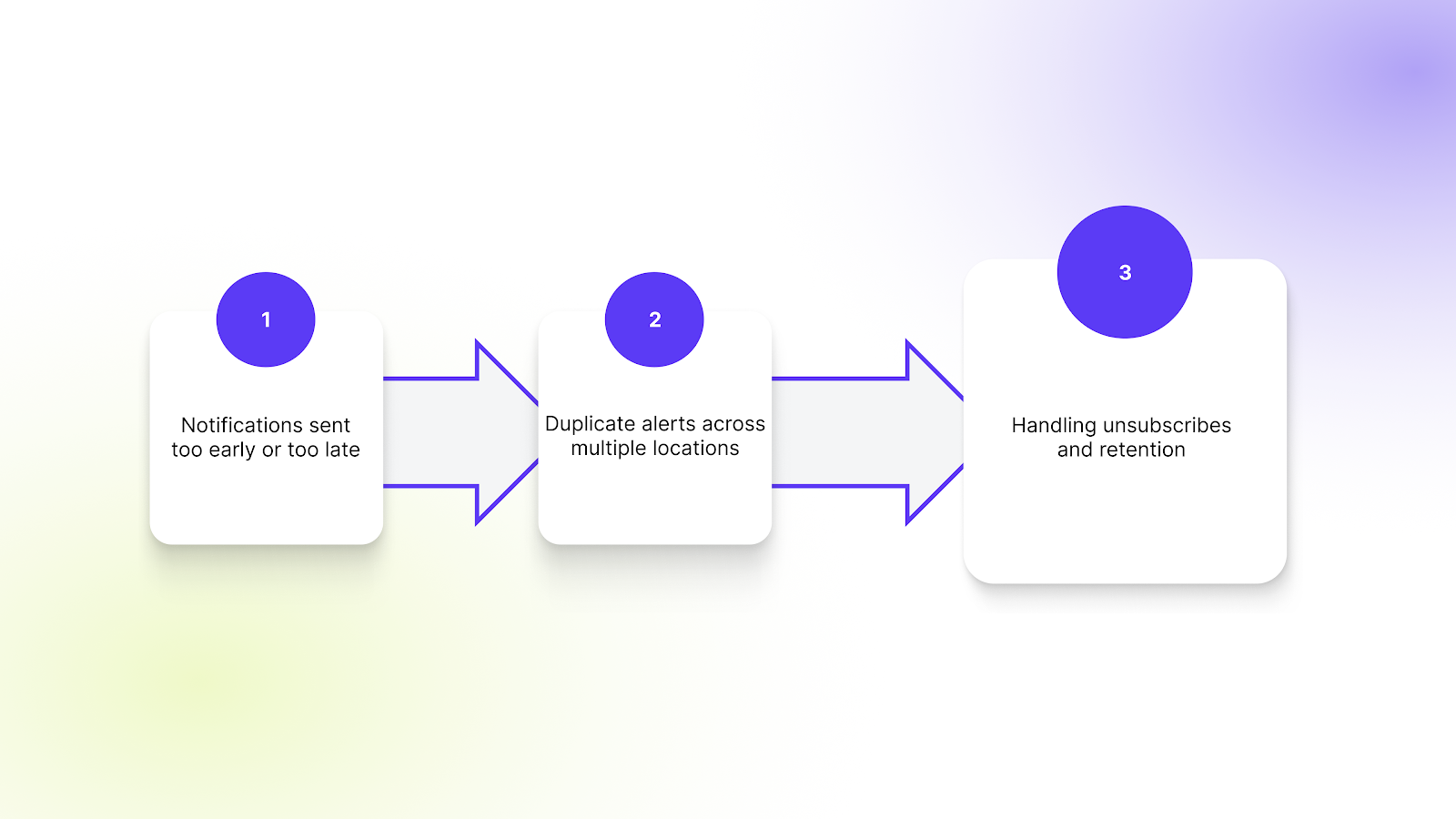
Even with the right setup, stores often run into issues that affect customer experience and notification performance. Addressing these early helps maintain trust and improve results.
- Notifications sent too early or too late: Inventory syncing delays can cause alerts to go out before stock is actually available or after it has already sold out again. Setting a minimum stock threshold and reviewing inventory sync timing helps prevent customer frustration.
- Duplicate alerts across multiple locations: Stores managing inventory across several locations may accidentally trigger multiple notifications for the same restock event. Ensuring alerts are tied to the correct inventory source avoids repeated messages.
- Handling unsubscribes and retention: Some customers may opt out after receiving notifications. Respect unsubscribe preferences and consider offering alternative engagement options, such as wishlist reminders or restock announcements through general email campaigns, to maintain long-term engagement without over-messaging.
After resolving common issues, a final review helps ensure your setup is accurate, notifications are triggered correctly, and customers receive alerts at the right time.
Final Checklist Before Going Live With Restock Notifications
Before going live, use this checklist to confirm your back-in-stock notification setup for Shopify is complete and working as expected.
- Inventory tracking settings reviewed: Confirm that inventory is tracked accurately across locations and variants so notifications are triggered only when stock is genuinely available.
- Notification channels selected: Ensure email, SMS, or push notifications are chosen based on how your customers prefer to receive updates.
- App configuration complete: Verify that notification widgets, triggers, and messaging settings are properly configured and tested.
- Variant-level alerts enabled on product pages: Make sure customers can subscribe to specific variants, reducing confusion and improving purchase intent.
- Follow-up sequence in place: Set up reminder notifications or secondary alerts to re-engage customers who do not purchase after the first notification.
Once customers return from a restock notification, clear variant presentation becomes equally important. Tools like Color Swatch King or SA Variants: Combined Listings can help customers quickly identify and select the exact variant they subscribed to, reducing friction at checkout.
Final Thoughts
Setting up back-in-stock notifications is only effective when the entire experience works together, with accurate inventory, clear variant selection, and a product page that helps customers quickly continue their purchase once items return. As catalogs grow and variants increase, maintaining this consistency becomes harder without the right setup.
StarApps Studio builds Shopify apps designed to improve how variants, images, and product information are presented, helping customers return to the exact product they signed up for and complete their purchase faster.
If you’re looking to make restock notifications more reliable and conversion-focused, exploring StarApps solutions is a practical next step. Connect with us today to know how we can help!
FAQs
1. When should back-in-stock notifications be sent in Shopify?
Notifications should be sent only after the inventory is fully available for purchase. Many stores set a minimum stock threshold before triggering alerts to avoid situations where customers receive notifications, but items sell out immediately.
2. Should back-in-stock notifications be sent at the product or variant level?
Variant-level notifications are usually more effective because customers often wait for a specific size or color. Product-level alerts can lead to frustration if the desired variant is still unavailable after restock.
3. Can back-in-stock notification signups help with inventory planning?
Yes. Signup data can act as an early demand signal, helping merchants prioritize which products or variants to restock first and adjust purchasing quantities based on real customer interest.
4. How many restock notifications should be sent to customers?
Most stores see better results with a small sequence instead of a single alert. An initial notification followed by one reminder after a few days helps recover missed purchases without overwhelming customers.
5. Why do customers click restock notifications but not complete a purchase?
Common reasons include unclear variant selection, missing product details, or stock selling out quickly after alerts are sent. Ensuring clear variant presentation and accurate timing improves conversion after customers return to the product page.
Heading

End-to-end traceability
To ensure regulatory compliance, you must have a complete overview of your products from production to shipping. Book a demo to see how Katana can give you full visibility of your operations.



.png)

.svg)

.svg)

.svg)
.png)