
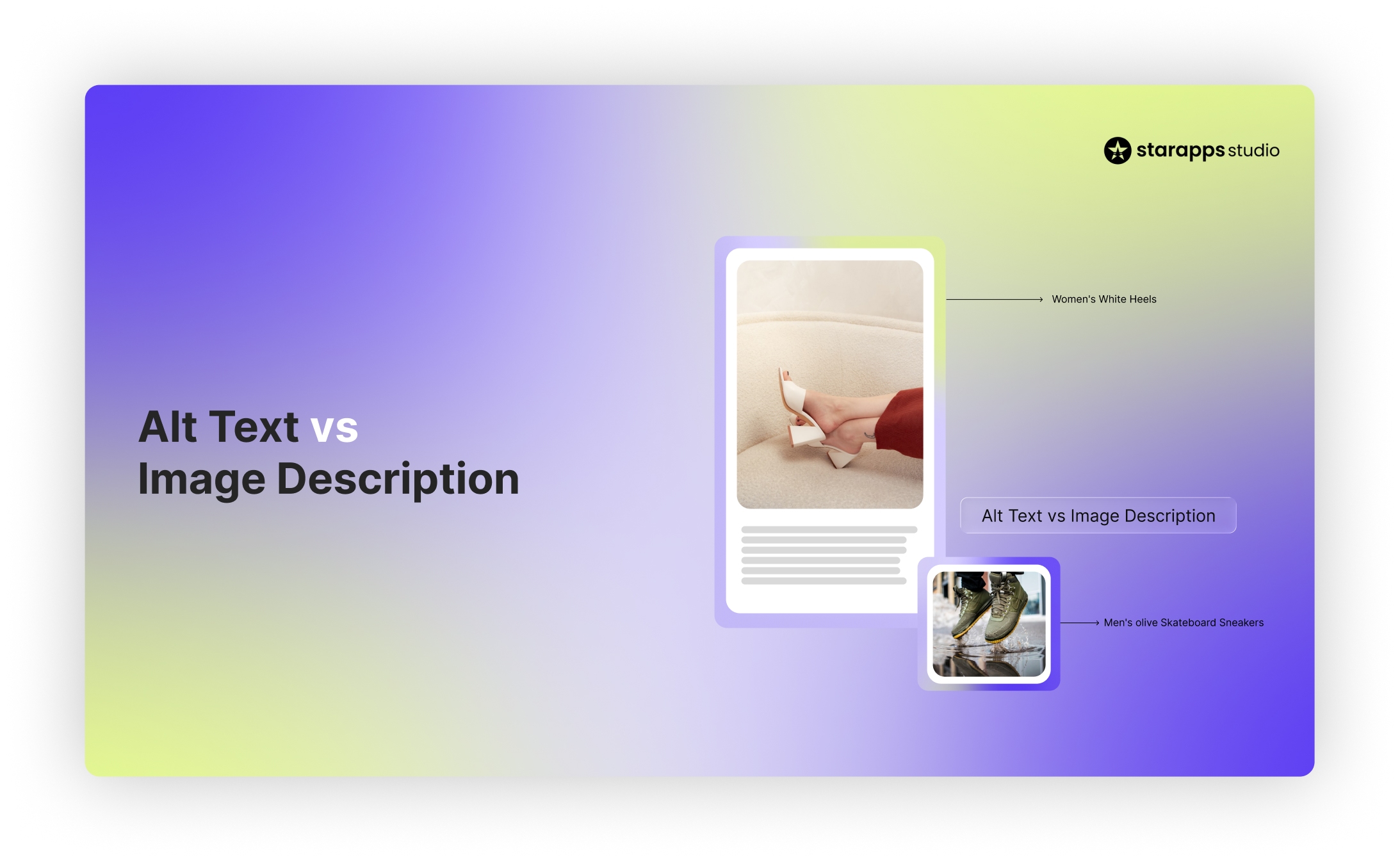

Confused about alt text vs image description? Learn the key differences, SEO impact, and when to use each on product images.
For Shopify brands managing large product catalogs, image optimization affects both visibility and accessibility. Yet many store owners still struggle with alt text vs image description, unsure which one they actually need, or if they need both.
Using the wrong format can limit search visibility, create accessibility gaps, and lead to inconsistent product data across variant images. For ecommerce stores with hundreds or thousands of SKUs, small mistakes quickly multiply.
This guide clarifies when to use alt text, when an image description is necessary, and how to apply each correctly so your product images support SEO, accessibility standards, and a better shopping experience.
Quick Overview
- Alt text is mandatory for meaningful images. It supports accessibility, ADA, and WCAG expectations, and Google Image indexing.
- Image descriptions are optional but necessary for complex visuals such as charts, infographics, or detailed product breakdowns.
- Captions provide visible context and should never replace alt text.
- Ecommerce stores need variant-specific alt text, including color, size, and style, to capture search traffic and avoid accessibility gaps.
- Manual updates do not scale for large Shopify catalogs. Automation helps maintain accuracy, consistency, and compliance.
What Is Alt Text?
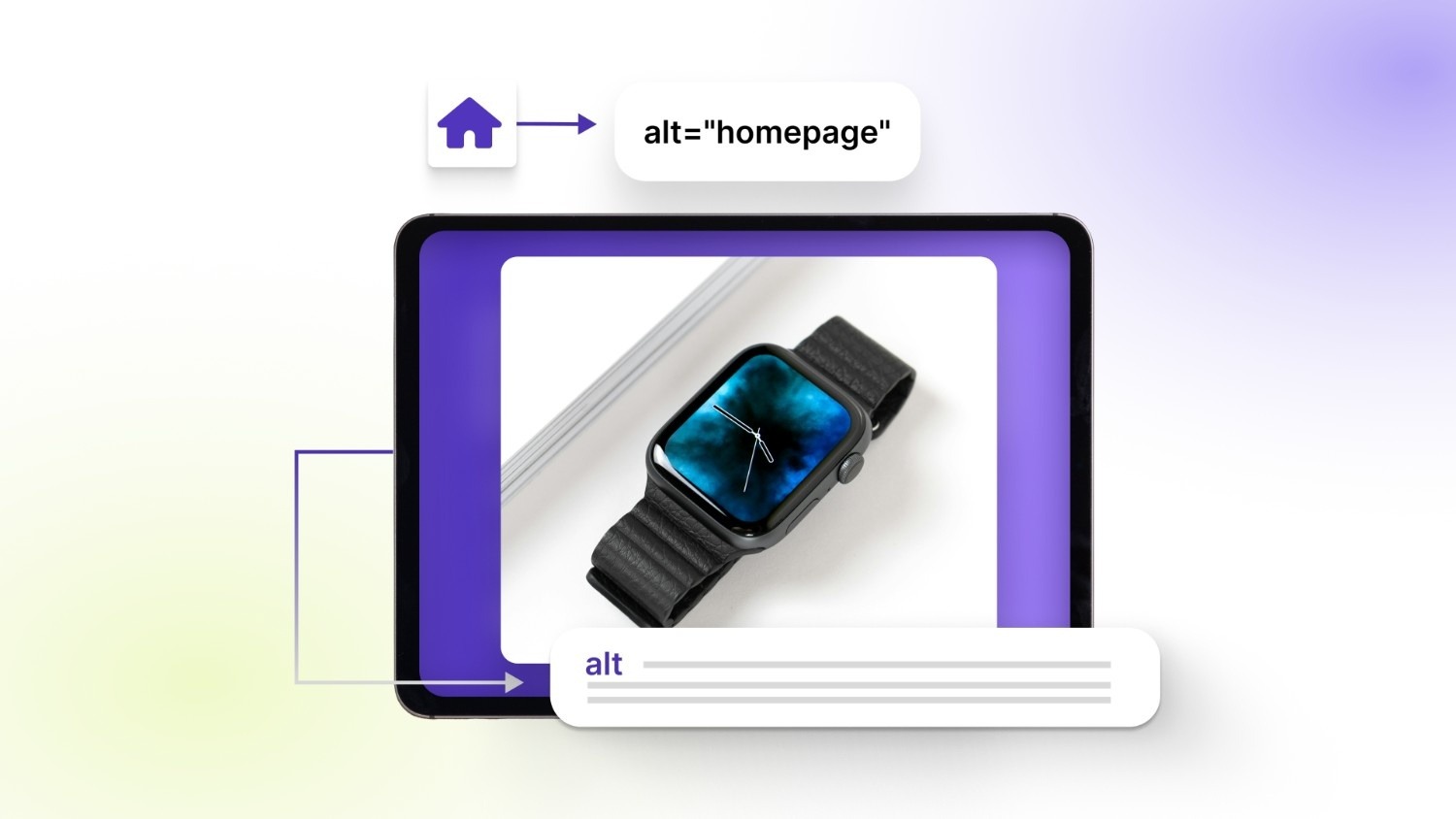
Alt text (alternative text) is a short written description added to an image’s HTML code. It sits inside the alt attribute and explains what the image shows, so assistive technologies and search engines can interpret it.
Here’s what it looks like in HTML:
<img src="blue-cotton-tshirt.jpg" alt="Men’s blue cotton crew neck t-shirt front view">
The text inside alt="" is what screen readers read aloud and what search engines use to understand the image.
Alt text serves two essential purposes:
- Accessibility: Screen readers announce alt text to visually impaired users. If alt text is missing, the reader may skip the image or read the file name instead, which creates confusion on product pages.
- Search visibility: Search engines rely on alt text to understand and index images. Well-written alt text increases the chances of appearing in Google Image results and strengthens keyword relevance on product pages.
For ecommerce stores, this is especially important. Product and variant images often carry critical buying details such as color, style, material, or fit. Without descriptive alt text, those details are invisible to both search engines and users relying on assistive technology.
Alt text also supports ADA and WCAG accessibility guidelines. Online retailers are expected to provide accessible content, and missing or vague alt text can create compliance risks, particularly for stores with large image catalogs.
Good vs. bad alt text example
Image: Blue cotton crew neck t-shirt (front view)
Bad alt text:
- “shirt”
- “product image”
- “IMG_4829.jpg”
Good alt text:
- “Men’s blue cotton crew neck t-shirt front view”
- “Front view of men’s sky blue cotton crew neck t-shirt”
Effective alt text is:
- Clear and specific
- Concise (typically under 125 characters)
- Focused on what the image shows
- Free from keyword stuffing
For Shopify merchants managing hundreds of SKUs, writing accurate alt text for every product and variant image is foundational for both accessibility and search performance.
What Is an Image Description?
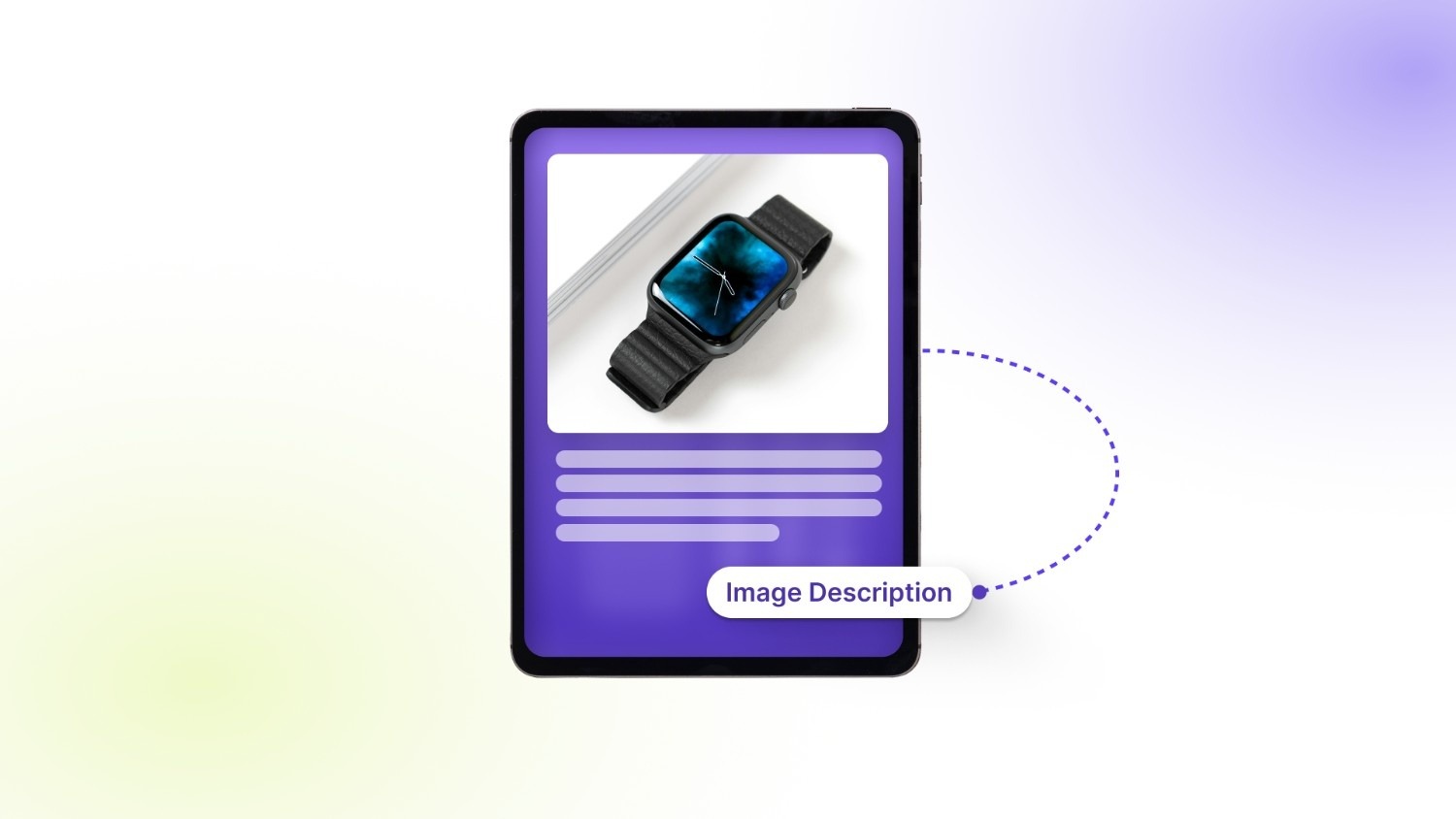
An image description is a longer, more detailed explanation of what an image shows. It provides additional context that goes beyond what fits inside alt text. While alt text is brief and embedded in HTML, an image description can appear:
- Directly below the image
- In a caption-style paragraph
- On a separate linked page
- Hidden using ARIA attributes for assistive technologies
Image descriptions are typically used when an image is complex or contains important visual details that affect understanding. Examples include charts, infographics, instructional diagrams, detailed product visuals, or comparison graphics.
In ecommerce, image descriptions can be useful when a product image shows multiple elements, fabric texture, stitching details, fit, packaging contents, or comparison views. In blogs and reports, they are often used to explain data visualizations or step-by-step processes.
Difference in Length and Detail
The main difference between alt text and image descriptions comes down to depth:
- Alt text: Short (usually under 125 characters), summarizes what the image shows.
- Image description: Longer, may be several sentences or a full paragraph, explains details, context, and relationships within the image.
Alt text focuses on quick identification, while image descriptions focus on full understanding.
Audience Usage
- Screen reader users rely on alt text first.
- Users who need deeper clarity may access the full image description.
- Sighted users may read descriptions when images are complex or instructional.
For Shopify stores, alt text handles most product images. Image descriptions become useful when visuals contain layered information that influences purchasing decisions.
Example: Same Image Comparison
Image: Front view of a men’s blue cotton crew neck t-shirt displayed on a white background.
Alt text: “Men’s blue cotton crew neck t-shirt front view.”
Image description:
“Front view of a men’s sky blue cotton crew neck t-shirt displayed against a plain white background. The shirt features a ribbed crew neckline, short sleeves, and a relaxed fit. The fabric appears lightweight with a smooth texture and minimal stitching detail visible along the shoulders and hem.”
Both serve different purposes, and understanding when to use each is key for stores that depend heavily on visual merchandising.
What Is an Image Caption?
An image caption is the visible text displayed directly below (or next to) an image. It provides context for readers and helps explain why the image is relevant to the surrounding content.
To answer a common question directly: captions, alt text, and image descriptions are not the same. They serve different purposes and appear in different places.
Captions are:
- Visible to all users on the page
- Designed to add context or commentary
- Often used for storytelling, product highlights, or data explanations
- Helpful for engagement and clarity
Alt text, on the other hand, is embedded in HTML and primarily serves accessibility and SEO. Image descriptions provide extended detail when an image contains complex or layered information.
A caption should never replace alt text. If alt text is missing, screen readers cannot interpret the image correctly, even if a caption is present.
Example
Image: Men’s blue cotton crew neck t-shirt
Caption: “Available in 8 colors and sizes S–XXL.”
The caption adds selling context, and the alt text would still need to describe the image itself.
For ecommerce brands, all three can work together:
- Alt text ensures accessibility and search visibility.
- Image descriptions clarify complex visuals when needed.
- Captions support messaging and product context.
Using them correctly prevents confusion and ensures your product imagery serves both users and search engines effectively.
Alt Text vs Image Description vs Caption: Quick Comparison
If you’re trying to understand the difference between alt text and image description, or how captions fit into the picture, this side-by-side comparison makes it clear.
For Shopify stores with large product catalogs, alt text should be applied to every meaningful image, especially variant images. Image descriptions and captions can be layered in when additional clarity or context supports the buying decision.
Also Read: How to Change Shopify Product Description by Variant.
Should You Use Both Description and Alt Text on Images?
Yes, when the image requires it. Every meaningful image should have alt text. An image description is only necessary when additional detail is needed.
Here’s how to decide:
- Simple images → Alt text only: Product photos, lifestyle shots, or basic visuals typically require concise alt text. If the image can be clearly described in one short sentence, a separate description isn’t needed.
- Complex charts, infographics, diagrams → Both: If an image contains data, multiple elements, comparisons, or instructions, alt text alone isn’t enough. In these cases, use brief alt text plus a longer image description that explains the details fully.
- Ecommerce product pages → Always alt text, optional description: Every product and variant image should include descriptive alt text. Image descriptions become useful when highlighting fabric texture, packaging contents, technical specifications, or comparison visuals.
From an accessibility standpoint, alt text is the minimum requirement under ADA and WCAG guidelines. These standards expect meaningful images to be text-accessible to screen reader users. Image descriptions are considered a best practice when visuals contain information that cannot fit into short alt text.
For Shopify stores managing large catalogs, the rule is simple: Alt text is required; however, descriptions are situational.
SEO Impact: Does Alt Text or Image Description Matter More?
When it comes to search visibility, alt text carries more direct weight than image descriptions.
Google primarily relies on the alt attribute to understand what an image represents. Since search engines cannot interpret visuals the way humans do, alt text acts as a primary signal for:
- Image indexing in Google Images
- Keyword relevance on the page
- Understanding product variants (color, size, style)
If alt text is missing or vague, the image has limited search value.
Where Image Descriptions Fit
Image descriptions do not carry the same direct ranking signal as alt text. However, they can improve contextual relevance. When a detailed description appears near the image, it reinforces topical signals for search engines and provides additional semantic clarity.
For complex visuals, such as charts, comparison graphics, or technical product breakdowns, a well-written description can strengthen the overall content quality of the page.
Captions and Engagement Signals
Captions influence user behavior. Since captions are visible, they:
- Draw attention to key product details
- Improve time on page
- Clarify image relevance within the content
While captions are not a direct ranking factor for image indexing, stronger engagement can indirectly support overall SEO performance.
How Structured Data Supports Image SEO
Structured data (such as Product schema) adds another layer. When product images are tied to structured metadata, like product name, SKU, color, and price, search engines gain clearer context.
Alt text works alongside:
- File names
- On-page content
- Structured data markup
Together, these signals help search engines interpret product visuals more accurately.
You need to keep the following points in mind:
- Alt text has the strongest direct SEO impact.
- Image descriptions support contextual clarity.
- Captions support engagement and user experience.
For ecommerce stores with large variant catalogs, optimized alt text on every meaningful image remains the foundation of image SEO.
The Impact of Image Text on Shopify SEO and Accessibility
For Shopify merchants, the difference between alt text and image descriptions has a direct business impact.
Most ecommerce stores depend heavily on product variant images. A single product can include multiple colors, sizes, materials, or styles—each with its own image set. If alt text doesn’t clearly describe each variation, search engines cannot distinguish between them.
For example:
- “Black running shoes: side view.”
- “White running shoes: side view.”
Without specific alt text, Google cannot rank those images for color-specific searches. That results in missed visibility in Google Images, especially for high-intent queries where shoppers are searching for a particular variant.
Accessibility is equally important. Ecommerce websites have faced increasing legal action related to ADA compliance. Product pages that rely on visuals without proper alt text create barriers for screen reader users. Accessibility standards under ADA and WCAG expect meaningful images to be text-accessible.
Here’s where the real challenge appears:
- Large catalogs mean hundreds or thousands of images
- Each variant needs accurate, descriptive alt text
- Manual updates are time-consuming and error-prone
- Teams often leave alt text blank or duplicate it across variants
Alt text is required for accessibility and search indexing. For Shopify stores managing growing inventories, scaling it correctly becomes a practical problem, not just a technical detail.
Recommended: Top AI Tools for Shopify Stores 2026.
How to Manage Alt Text Across Thousands of Images
For growing Shopify stores, writing alt text one image at a time isn’t sustainable. Variant-heavy catalogs make manual updates slow, inconsistent, and easy to overlook.
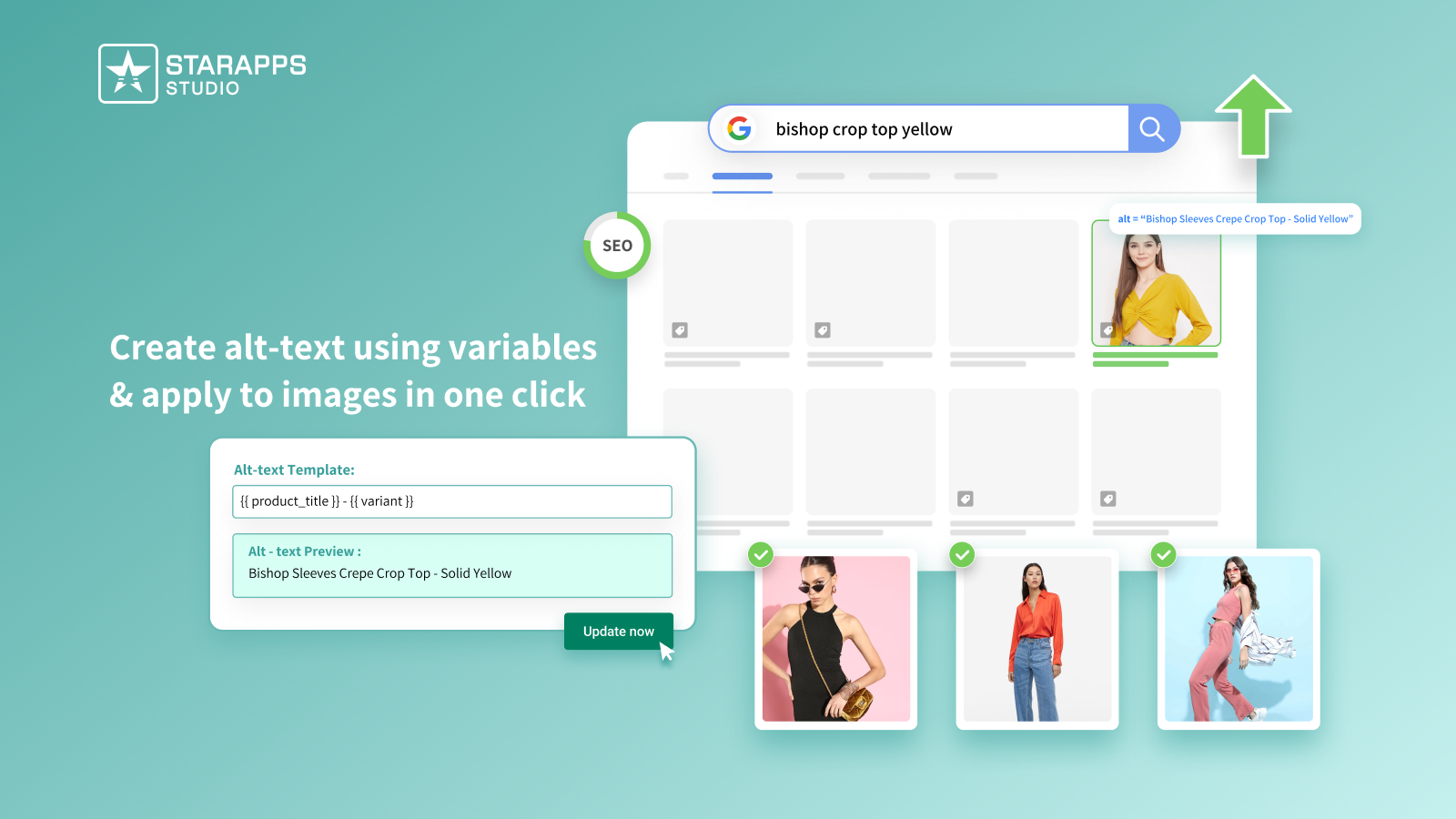
One practical solution is Variant Alt Text King: SEO. It helps merchants automate alt text optimization across their entire catalog by:
- Automatic ALT generation: Create alt text in bulk using predefined templates.
- Variant-specific variables: Pull in product title, color, SKU, tags, and other dynamic fields so each image reflects the correct variation.
- Daily sync: Newly added product or variant images are updated automatically.
- Accessibility support: Ensures meaningful alt text is consistently applied to meet ADA and WCAG expectations.
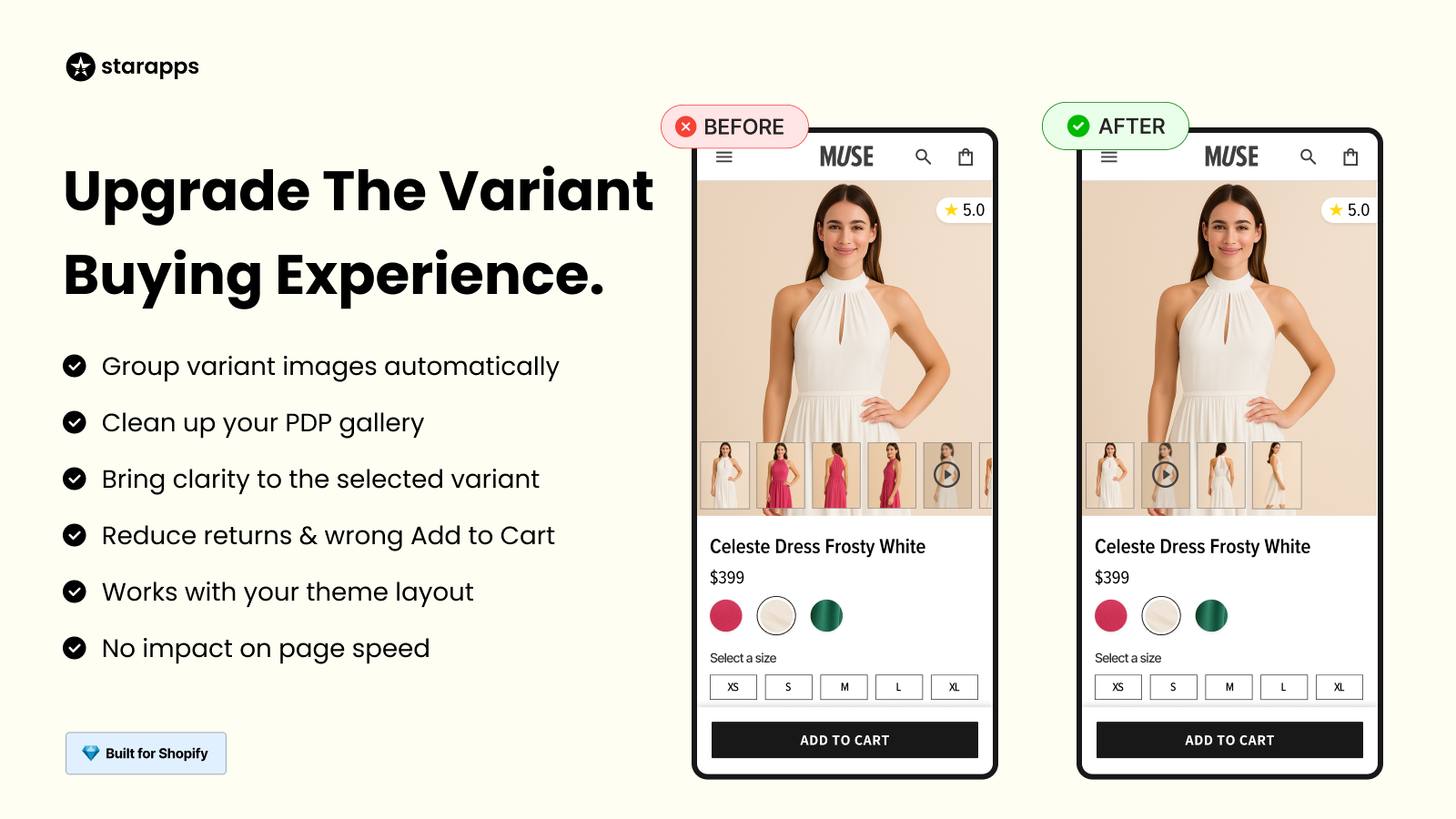
It also works alongside Variant Image Automator, ensuring that when variant images change dynamically on the product page, the corresponding alt text remains accurate.
For stores managing large inventories, automation ensures alt text stays descriptive, consistent, and scalable, without adding manual workload to the team.
Best Practices for Writing Alt Text & Image Descriptions
Clear, consistent image text improves both accessibility and search visibility. These guidelines help ensure your alt text and image descriptions are effective.
Follow the writing guidelines below for the best results:
- Keep alt text concise: Aim for under 125 characters.
- Use relevant keywords naturally: Include product type, color, or material where appropriate.
- Avoid keyword stuffing: Repeating phrases unnaturally can reduce clarity and harm SEO.
- Skip phrases like “image of” or “picture of”: Screen readers already announce it as an image.
- Describe function when relevant: If the image shows how something works, explain the purpose, not just appearance.
- Be specific: “Red leather handbag with gold chain strap” is better than “red bag.”
- Include variant details for ecommerce: Color, size, model, or SKU help distinguish similar products.
For image descriptions:
- Expand only when necessary (complex visuals, charts, technical details).
- Explain relationships, data points, or features that affect understanding.
Before you finalize your image text strategy, it’s important to recognize the mistakes that frequently appear on product pages, especially across large variant catalogs.
Common Mistakes to Avoid
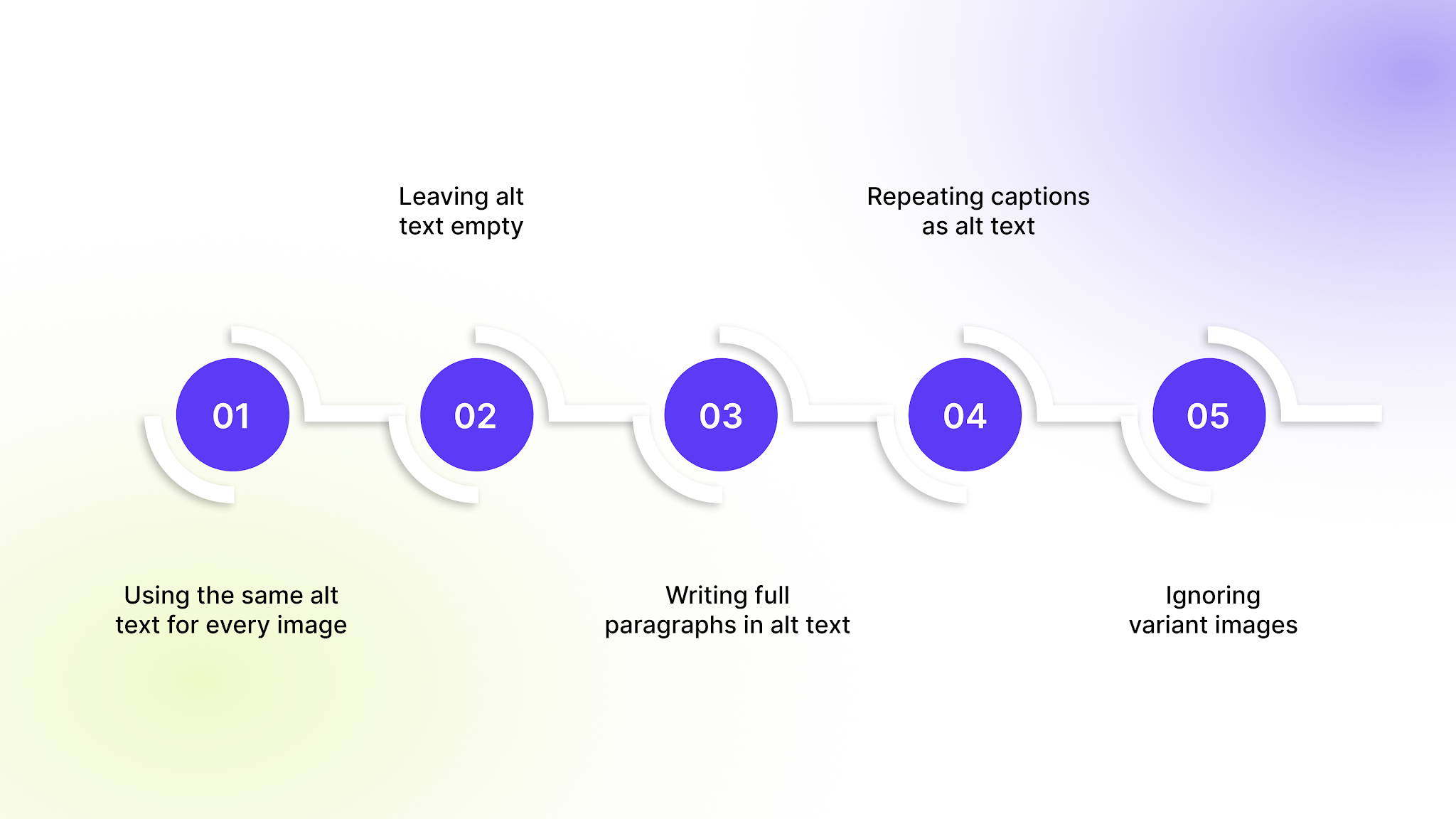
Even small errors can weaken accessibility and search visibility—especially across large product catalogs. Avoid these common mistakes:
- Using the same alt text for every image: Each product or variant image should be described uniquely.
- Leaving alt text empty: Meaningful images must have descriptive alt text for accessibility compliance.
- Writing full paragraphs in alt text: Keep alt concise; detailed explanations belong in image descriptions.
- Repeating captions as alt text: Captions serve a different purpose and shouldn’t replace descriptive alt text.
- Ignoring variant images: Color, size, and style variations need distinct alt text to support SEO and clarity.
Consistency and specificity are key, especially for ecommerce stores managing high volumes of product images.
Final Thoughts
Alt text and image descriptions serve different purposes, but both support accessibility, search visibility, and better product clarity. Alt text is essential for every meaningful image, especially across variant-heavy catalogs. Image descriptions add depth when visuals contain important details that affect understanding.
For Shopify stores managing hundreds or thousands of product images, maintaining accurate alt text at scale can quickly become overwhelming. That’s where StarApps Studio helps. Our Shopify apps are built to handle variant-heavy catalogs efficiently while supporting SEO and accessibility best practices.
If your store relies on visual merchandising, it’s worth reviewing how your images are structured. Connect with us to start optimizing your image text today to ensure every product works harder for your business.
FAQs
1. Does alt text help product pages rank in regular Google search results?
Alt text primarily helps images rank in Google Images, but it also reinforces keyword relevance on the product page itself. When aligned with on-page content and structured data, it can strengthen overall SEO signals.
2. Should decorative images have alt text?
No. Purely decorative images (such as background graphics or design dividers) should use empty alt attributes (alt=""). This prevents screen readers from announcing unnecessary information.
3. Can alt text be the same as the product title?
It can be similar, but it shouldn’t simply duplicate the product title. Alt text should describe what is visually shown in the specific image, including variant details or viewing angles.
4. How often should alt text be updated?
Alt text should be reviewed whenever product images change, new variants are added, or naming conventions are updated. Stores with frequent catalog updates benefit from automated syncing.
5. Do social media platforms use alt text?
Some platforms support custom alt text for accessibility. While it may not directly influence website SEO, adding descriptive alt text improves accessibility and inclusivity across digital channels.
Heading

End-to-end traceability
To ensure regulatory compliance, you must have a complete overview of your products from production to shipping. Book a demo to see how Katana can give you full visibility of your operations.



.png)

.svg)

.svg)

.svg)
.png)