

Learn how to customize variant pills shopify to improve UX, match branding, and boost conversions with theme settings, CSS, Liquid, and apps for Shopify stores.
If you run a Shopify store with products available in multiple colors, sizes, or styles, your variant selector has a bigger impact on conversions than many merchants realize. When shoppers struggle to identify available options or compare variants quickly, they are more likely to leave without making a purchase.
This becomes an even bigger challenge for fashion, beauty, electronics, and home goods brands managing large product catalogs. Since product pages often convert between 1% and 4% in e-commerce, even small usability improvements can influence purchasing decisions
Customizing variant pills in Shopify helps address this issue by making product options easier to scan, compare, and select. Whether you want to match your brand identity, improve mobile usability, highlight available variants more effectively, or create a cleaner product page experience, the right customization can improve discoverability, strengthen brand consistency, and help shoppers make decisions faster.
This article explores how to customize variant pills in Shopify, explores different customization methods, and outlines best practices for creating a better variant selection experience.
Key Takeaways:
- Variant pills are clickable product options that improve how customers view and select variants like size, color, and style on Shopify product pages.
- Different industries use variant pills such as text-based, color swatches, image swatches, and mixed selectors depending on product type and visual needs.
- Customizing variant pills helps improve branding, mobile usability, clarity between available states, and overall shopping experience for users.
- Shopify merchants can customize variant pills using theme settings, CSS edits, Liquid code changes, or third-party apps based on their technical needs and catalog complexity.
- Effective design practices include making selected options clear, optimizing for mobile, handling unavailable variants carefully, maintaining accessibility, and keeping consistent branding.
What Are Variant Pills in Shopify?
Variant pills are clickable option buttons that allow shoppers to select product variations such as color, size, material, or style directly on a product page. Instead of opening a dropdown menu, customers can view and select options instantly.
Most modern Shopify themes offer variant pills as an alternative to traditional dropdown selectors. Pills typically appear as rectangular or rounded buttons displaying option values such as Small, Medium, Large, Black, or Blue.
Variant pills are especially useful for stores that sell:
- Apparel
- Footwear
- Beauty products
- Home décor
- Electronics
- Accessories
Why There is a Need to Customize Variant Pills in Shopify
While Shopify's default variant pills work well for basic stores, many merchants need more control over their appearance and functionality. Customization helps create a more consistent and intuitive product experience across the store.
Common reasons merchants customize variant pills include:
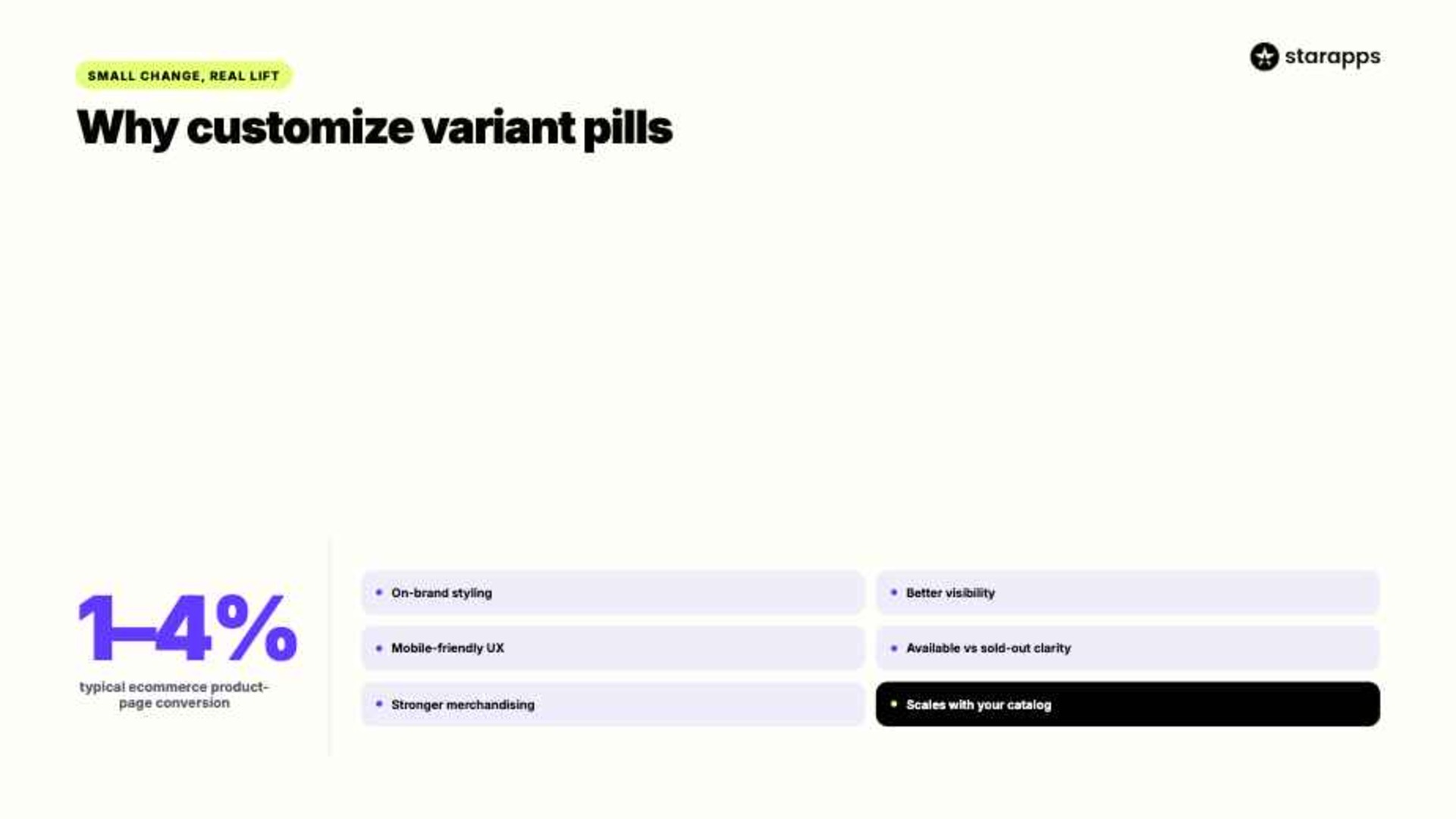
- Branding: Default variant pills often look generic and may not match your store's colors, typography, or overall design. Custom styling helps create a consistent brand experience across product pages.
- Visibility: Clearer borders, larger buttons, and better spacing make variant options easier to spot. Customers can quickly identify available choices and see which option is selected.
- Mobile UX: Many shoppers browse and buy from mobile devices. Larger, touch-friendly variant pills reduce accidental taps and make product selection more comfortable.
- Clarity: Customized variant pills can clearly distinguish between available, selected, and sold-out options. This prevents confusion and improves the overall shopping experience.
- Conversions: When customers can understand product options quickly, they spend less time searching and more time moving toward a purchase decision.
- Merchandising: Visual variant selectors showcase products more effectively than text-only buttons. This is especially useful for fashion, beauty, furniture, and home décor stores.
- Scalability: Stores with large catalogs and multiple product variants need organized selectors. Customized variant pills make complex product options easier to navigate as the business grows.
Types of Variant Pills in Shopify

Not every Shopify store needs the same type of variant selector. The setup depends on your product catalog, customer needs, and merchandising approach.
Below are the most commonly used variant pill types in Shopify stores.
1. Text-Based Variant Pills
These are the simplest variant pills and typically display text labels.
Examples include:
- Small
- Medium
- Large
- XL
Text-based pills work particularly well for:
- Apparel sizing
- Subscription plans
- Storage capacities
- Product bundles
Their simplicity makes them easy to implement and maintain across most Shopify themes.
2. Color Swatch Pills
Color swatch pills replace text labels with visual color indicators.
Instead of showing “Blue” or “Green,” customers see the actual color directly.
This approach works well for:
- Fashion stores
- Beauty brands
- Home décor products
- Furniture retailers
Color swatches help reduce uncertainty and speed up decision-making.
3. Image Swatch Pills
Image swatches use custom images instead of simple color indicators.
For example, a furniture store may display:
- Oak finish image
- Walnut finish image
- White finish image
This gives a more detailed visual representation when color is not enough.
4. Variant Image Pills
Variant image pills show the actual product image linked to each option.
When a customer selects “Red Jacket,” they immediately see the product image update to match that variant.
This method works especially well for:
- Fashion
- Footwear
- Electronics
- Luxury products
It helps customers understand exactly what they’re selecting before adding to cart.
5. Mixed Variant Selectors
Many stores combine multiple selector types instead of relying on just one format.
For example:
This approach helps keep product pages clean while still offering rich variant selection options.
Methods to Customize Variant Pills in Shopify

Shopify offers several ways to customize variant pills, ranging from built-in theme settings to advanced app-based solutions. The right approach depends on technical expertise, desired functionality, and the complexity of the product catalog.
Let's explore the most common customization methods.
Method 1: Customize Through Shopify Theme Settings
Many modern Shopify themes provide built-in customization options for variant selectors.
Themes such as Dawn allow merchants to switch between dropdowns and pill-style selectors directly from the theme customizer.
Steps
- Navigate to Online Store → Themes
- Click Customize
- Open a product template
- Select Product Information
- Locate Variant Picker settings
- Choose Pills or Buttons
- Adjust available styling settings
Depending on the theme, you may be able to modify:
- Border radius
- Button spacing
- Pill colors
- Typography
- Swatch styles
This method is ideal for merchants who want quick adjustments without editing code or adding extra tools.
Method 2: Customize Variant Pills Using CSS
Merchants who need deeper customization often edit CSS directly.
This allows control over:
- Border styles
- Font size
- Background colors
- Hover effects
- Active states
- Mobile responsiveness
For example, many merchants customize:
- Selected pill color
- Border thickness
- Rounded corners
- Animation effects
Common customization goals include making selected variants more visible and aligning the selector with brand guidelines.
Method 3: Customize Variant Pills Through Liquid Files
For advanced customization, Shopify developers can modify Liquid templates.
This method gives complete control over:
- Variant structure
- Dynamic labels
- Conditional logic
- Custom badges
- Inventory messaging
Developers often use Liquid to create:
- "Best Seller" variant badges
- Limited-stock indicators
- Dynamic variant labels
- Custom availability messages
This approach works best for enterprise stores with complex merchandising requirements where theme and CSS-level changes are not enough.
Method 4: Use Shopify Apps for Advanced Variant Customization
Many merchants prefer apps because they deliver advanced functionality without requiring ongoing development work.
Apps provide features such as:
- Color swatches
- Image swatches
- Collection page variants
- Hidden sold-out options
- Variant image integration
- Bulk management tools
For stores with hundreds or thousands of variants, apps often provide the most scalable solution.
Step-by-Step Process
- Identify variant presentation challenges.
- Select a solution that supports your product structure.
- Configure variant display styles.
- Test desktop and mobile experiences.
- Monitor engagement and conversion metrics.
Best Practices for Designing High-Converting Shopify Variant Pills
Effective variant pill design focuses on clarity, usability, and smooth interaction across devices. Small improvements in design can make product options easier to scan and select.
Following proven usability principles can improve the overall shopping experience.
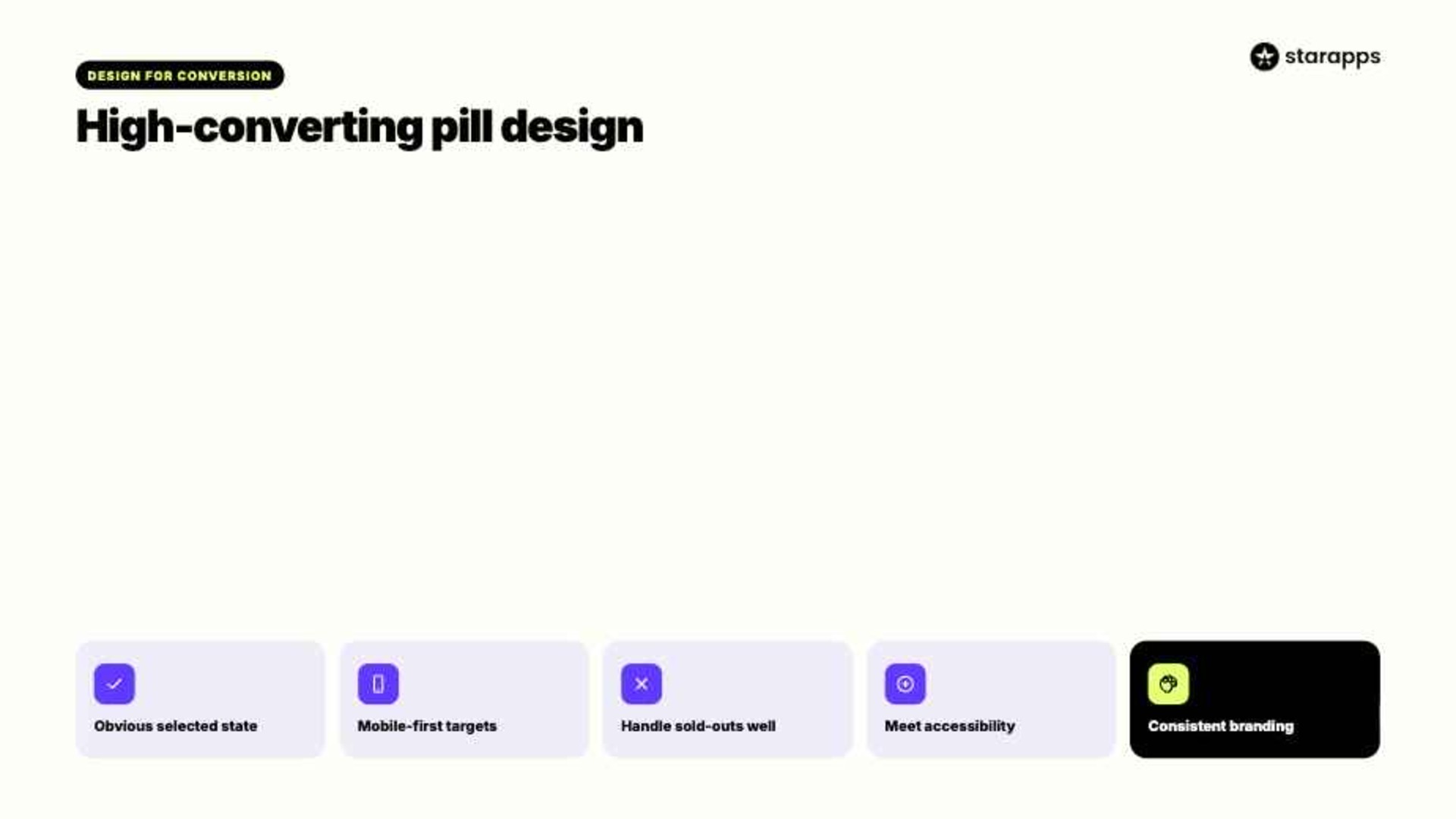
1. Make Selected States Obvious
Customers should immediately see which option is selected.
Use:
- Contrasting colors
- Bold borders
- Clear visual indicators
A selected variant should stand out clearly from other options.
2. Prioritize Mobile Usability
Mobile shoppers often interact with variant selectors using their thumbs.
Small pills can lead to accidental taps and frustration.
Recommended practices:
- Larger touch targets
- Adequate spacing
- Clear labels
Since most Shopify traffic comes from mobile devices, poor spacing can slow down selection and increase errors.
3. Hide Unavailable Variants Carefully
Showing unavailable options can confuse shoppers if not handled properly.
At the same time, removing them completely may break context for returning users.
Many merchants choose to:
- Grey out unavailable variants
- Display "Sold Out" indicators
- Hide unavailable options selectively
The right setup depends on how inventory is managed in your store.
4. Maintain Accessibility Standards
Accessible design ensures all shoppers can interact with variant options easily.
Best practices include:
- Strong color contrast
- Keyboard navigation support
- Clear focus states
- Descriptive labels
Accessibility improvements often enhance usability for all customers, not just specific groups.
5. Keep Branding Consistent
Variant pills should match the overall design system of your storefront.
Consider:
- Brand colors
- Typography
- Border styling
- Button shapes
A consistent design helps product pages feel structured and easier to navigate.
How StarApp Studio Helps You Build Better Variant Pill Experiences
As product catalogs grow, managing variant presentation manually becomes increasingly difficult. StarApps Studio offers Shopify apps designed to improve how customers browse, compare, and select product variants.
These tools help merchants create more intuitive variant experiences without extensive custom development.
Color Swatch King
Color Swatch King replaces standard variant pills with flexible, visual swatches that make product selection faster and clearer.
- Visual variant selection: Converts text-based pills into color, image, or hybrid swatches so customers can quickly compare options.
- Brand-aligned styling: Customize shapes, colors, and layouts to match your storefront design and improve consistency.
- Bulk-ready scaling: Manage large catalogs with bulk uploads and automated swatch generation to reduce manual work.
Variant Image Automator
This app connects variant pills directly with the right product visuals, improving clarity during selection.
- Automatic image switching: Updates product images instantly when a variant is selected, showing only relevant visuals.
- Cleaner galleries: Removes unnecessary images from view, keeping the product page focused and easy to navigate.
- Higher purchase confidence: Customers see exactly what they are selecting, reducing hesitation and uncertainty.
SA Variants: Combined Listings
Improves how variants appear across collection pages and search results.
- Variant-level visibility: Displays variants directly in collections instead of hiding them under one product.
- SEO-friendly structure: Each variant gets its own URL and metadata, improving organic discoverability.
- Faster navigation: Helps customers filter and find exact variants without extra clicks.
Variant Title King (Color & SKU)
Variant Title King improves variant pills by dynamically updating product titles based on selected options, adding clarity during browsing.
- Dynamic title updates: Product titles automatically change based on selected variants such as color or SKU, making selection clearer for customers.
- Improved product understanding: Customers instantly see exactly what variant they are viewing, reducing confusion during multi-variant shopping.
- Better internal tracking: SKU-based title updates help teams manage inventory more efficiently across large catalogs.
Variant Descriptions King
Variant Descriptions King strengthens variant pill experiences by pairing selection with detailed, variant-specific information.
- Contextual variant details: Each variant can display unique descriptions such as sizing guides, material details, or care instructions.
- Organized product pages: Tabs and accordions keep information structured, ensuring customers are not overwhelmed while still accessing important details.
- Lower return rates: Clear variant-specific information reduces misunderstandings, helping customers choose the right option the first time.
With over 25,000 active merchants, 1,000+ Shopify Plus stores, and a 4.9-star rating, StarApps solutions are widely used by Shopify businesses seeking better merchandising and variant management experiences.
Conclusion
Variant pills have become a standard feature in modern Shopify themes because they make product options easier to browse and compare. Shopify offers several ways to customize variant pills, including theme settings, CSS modifications, Liquid customization, and dedicated apps. The best approach depends on your catalog size, technical resources, and merchandising goals.
If you're looking to improve how shoppers interact with product options, explore StarApps Studio's Shopify apps and build a more intuitive variant selection experience for your store.
FAQs
1. How do I convert variant pills to color swatches in Shopify?
You can convert variant pills into color swatches by replacing text labels with image or color-based swatches using CSS and Liquid. Assign variant metafields or color values, then style buttons to display circular or square swatches instead of text.
2. What class names should I target to modify variant pills in Shopify themes?
Common class names include .variant-picker, .product-form__input, .product-form__radio, and .product-form__label. These may vary by theme, so inspect your theme using browser dev tools to identify the exact selectors before applying custom CSS or JS changes.
3. What are the differences between variant pills and product badges in Shopify?
Variant pills are interactive selectors used to choose product options like size or color. Product badges are static labels highlighting information like “Sale” or “New.” Pills affect purchase configuration, while badges only display promotional or status-based details.
4. How do I edit main-product.liquid to implement conditional variant picker logic in Shopify?
Edit main-product.liquid by adding Liquid conditions to check product options. Use {% if %} statements to display specific variant pickers based on option names or types. You can also include separate snippets for pills, dropdowns, or swatches conditionally.
5. Can I create separate variant picker snippets for pills and dropdowns in Shopify?
Yes, you can create separate snippets for pills and dropdowns to improve modularity. Use Liquid includes like {% render 'variant-pills' %} and {% render 'variant-dropdown' %}. Then conditionally load them based on product option type or theme settings.
Heading

End-to-end traceability
To ensure regulatory compliance, you must have a complete overview of your products from production to shipping. Book a demo to see how Katana can give you full visibility of your operations.
.png)

.svg)

.svg)

.svg)
.png)