
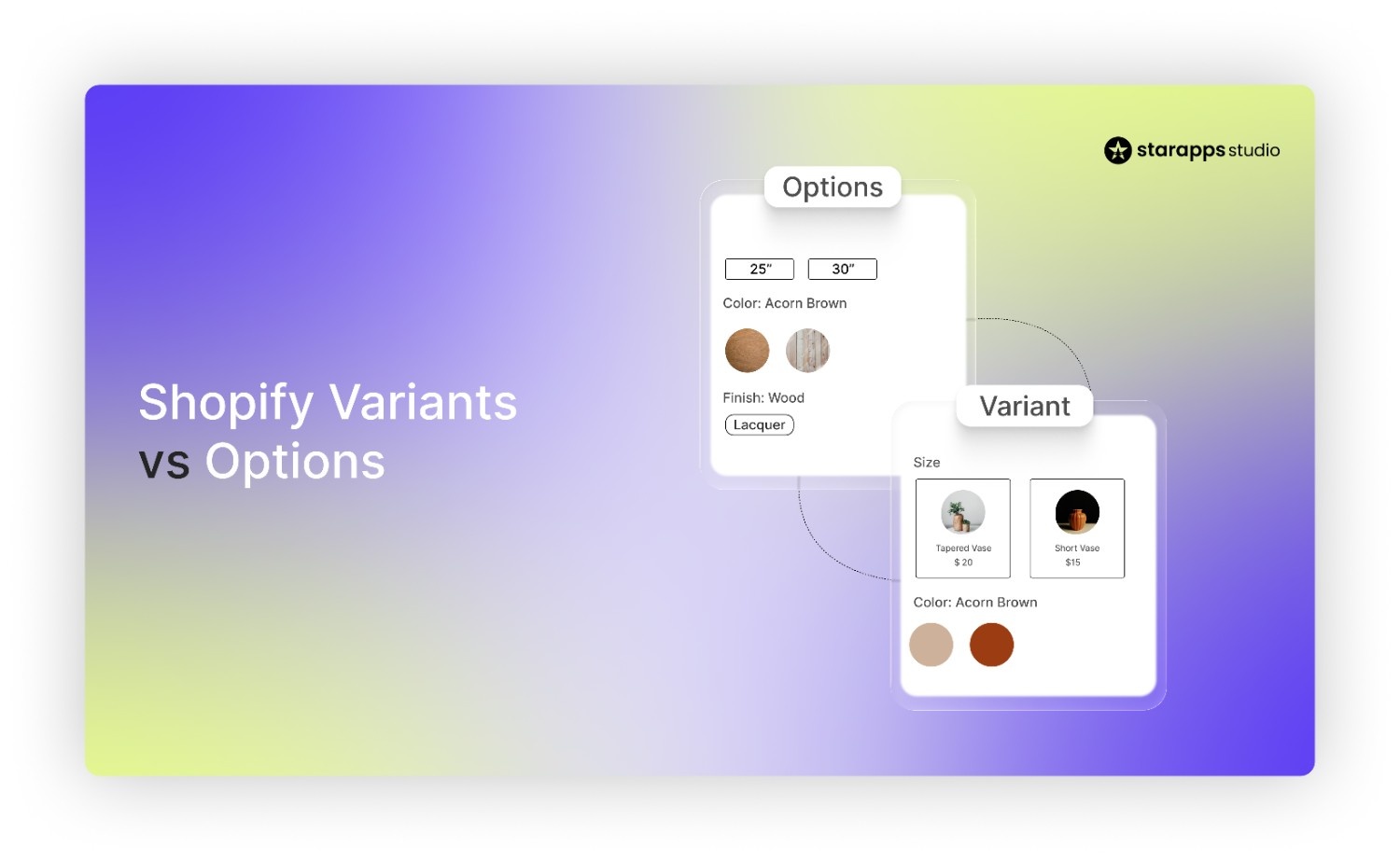

Learn the difference between Shopify variants vs options, how they work together, and how to structure products correctly for better product management.
Shopify makes it easy to offer different versions of a product, but the terms options and variants often cause confusion for store owners. Both are closely connected, yet they serve different roles in how products are created, displayed, and managed. A clear understanding of this difference helps merchants structure products correctly, track inventory accurately, and avoid common setup mistakes.
This becomes especially important for stores with multiple colors, sizes, or styles. In this guide, we’ll explain Shopify variants vs options, how they work together, and how merchants can use them effectively when setting up products in a Shopify store.
Key Takeaways
- Shopify options define product attributes (such as color, size, or material), while variants are the actual combinations customers can purchase, like Red / Size M.
- Every combination of option values creates a variant. For example, 4 colors × 3 sizes × 2 materials = 24 variants for one product.
- Each variant has its own SKU, inventory, price, barcode, and images, while options only define the type of choice available.
- Shopify allows a maximum of three options per product, so merchants need to plan their option structure carefully to avoid generating too many variants.
- Variants work best for small attribute differences within the same product, while major visual differences or SEO-focused variations may be better as separate products.
What Are Shopify Options?
Shopify options define the attributes customers use to choose a version of a product. They describe the type of choice available, such as color, size, or material. Options help organize product variations so customers can select the exact version they want.
Common examples of Shopify options include:
- Color
- Size
- Material
- Style
Each option contains a set of values that customers can choose from.
Example product structure
Product: Hoodie
Options:
- Color → Black, Grey
- Size → S, M, L
On the product page, these options appear as selection fields that allow customers to choose their preferred combination. Depending on the store’s design, they may appear as dropdown menus, buttons, or color swatches. After a customer selects an option, Shopify loads the corresponding product variation associated with that choice.
What Are Shopify Variants?
Shopify variants are the actual product combinations created from options. Each variant represents a specific version of a product that a customer can purchase. Options define the types of choices available, while variants are the combinations that result from those choices.
Example
Options
- Color: Red, Blue
- Size: S, M
Variants generated
- Red / S
- Red / M
- Blue / S
- Blue / M
Each of these combinations becomes an individual variant in Shopify. Variants also carry the operational details required to sell and manage products. Each variant can have its own:
- SKU
- Inventory quantity
- Price
- Barcode
- Product images
This is the main operational difference between options and variants. Options describe the attributes of a product, while variants represent the specific versions that Shopify tracks and sells individually.
Shopify Variants vs Options: The Key Differences
Options and variants work together in Shopify, but they serve different roles in product setup and inventory management. Options define the attributes customers can choose from, while variants represent the specific product combinations that can be purchased.
The table below shows the practical differences.
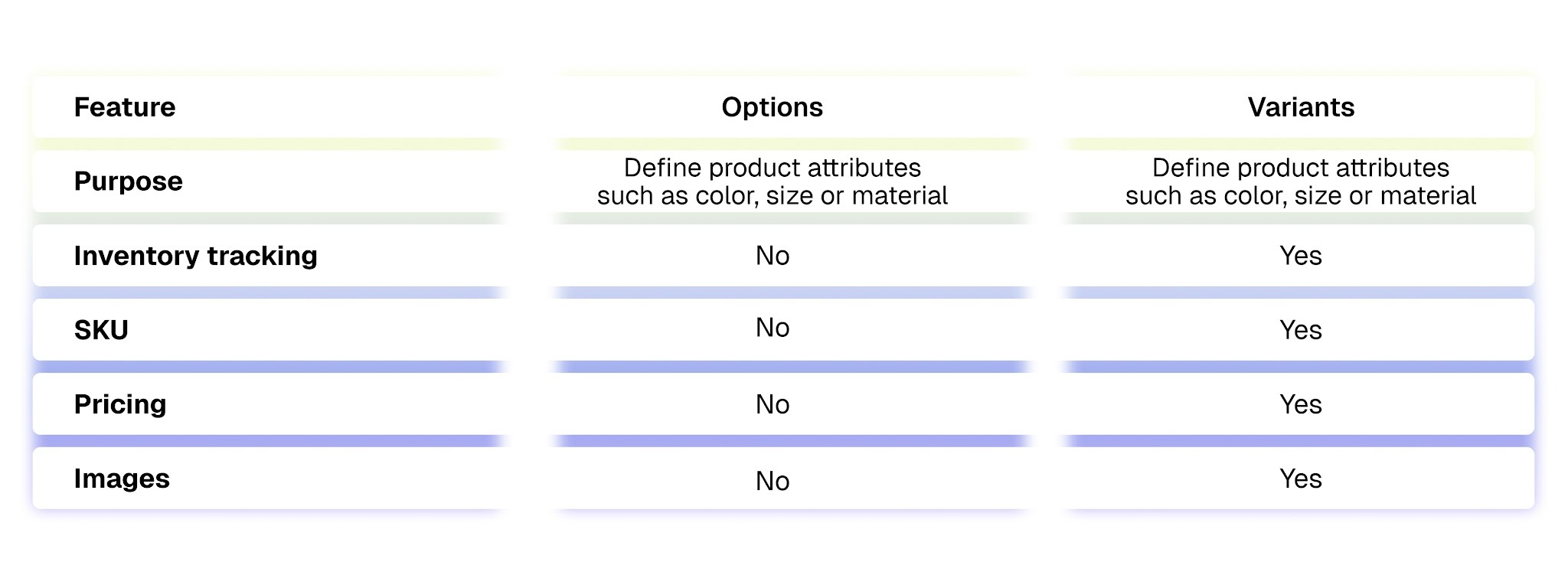
For example, a hoodie product may have Color and Size as options. When customers choose Black and Size M, Shopify loads the corresponding variant. That variant can have its own price, inventory level, SKU, and images.
Also Read: Best Shopify Apps for Product Variants 2026.
How Options Turn Into Variants in Shopify
Shopify creates variants by combining the values from each option. Every possible combination becomes a separate variant that customers can select and purchase.
Here is a simple example.
Options:
- Color = 4 values
- Size = 3 values
- Material = 2 values
Total variants created:
4 × 3 × 2 = 24 variants
Each of these 24 combinations becomes an individual variant with its own inventory, price, and product details.
This is important for merchants to calculate before creating products. Large catalogs can generate a high number of variants quickly, especially when multiple options are involved. For example, adding more colors or sizes automatically multiplies the total variants.
Planning option values in advance helps merchants avoid running into Shopify’s variant limits and keeps product management easier as the catalog grows. As option values increase, the number of variants grows quickly. This is why it is important for merchants to understand the platform limits that affect how variants can be structured.
Shopify Limits Merchants Should Be Aware Of
Shopify places a few structural limits on product variants that every merchant should understand before setting up large catalogs.
First, each product can have a maximum of three options. These options represent the attributes customers choose from, such as color, size, or material.
Second, the total number of variants per product is limited based on store configuration, as outlined in the documentation from Shopify. Each variant represents a combination of option values, which means the total count can grow quickly.
Here’s an example:
- Color = 20 values
- Size = 10 values
- Material = 5 values
Total variants:
20 × 10 × 5 = 1000 variants
A product with this structure creates 1,000 unique combinations. Managing pricing, inventory, images, and SKUs for this many variants can become difficult, especially as catalogs grow. Planning option structures early helps merchants keep product management practical and avoid hitting platform limits.
Because of these limits, merchants need to decide carefully how product variations should be structured. In some cases, variants work well within a single product, while in others, it makes more sense to create separate product listings.
Recommended Read: How Do You Build Flexible Catalogs With Shopify Custom Code Variants?
When to Use Variants vs When to Create Separate Products
Choosing between variants and separate products affects how customers browse your catalog and how products appear in search results.
Use Variants When the Product Is Essentially the Same
Variants work well when the core product remains the same and only a few attributes change. These attributes usually include color, size, or similar minor differences. In this case, a single product page with selectable options keeps the catalog organized and easier for customers to use.
Use variants when:
- The product is the same across all versions
- Differences are limited to attributes like color or size
- All versions can share the same product description and details
Example
Product: T-shirt
Options:
- Color → Black, White, Blue
- Size → S, M, L
Each combination becomes a variant, but they all belong to the same product listing.
Create Separate Products When Variations Are Significant
Separate product listings work better when each version has clear visual differences or when individual variations should be easier to find in search results.
Create separate products when:
- Each version has noticeably different visuals
- The catalog contains many variations
- Each variation could benefit from its own search visibility
Example
Running shoes in different colors can sometimes be listed as separate products. Each color version can have its own images, product title, and URL, making it easier for customers to find a specific style while browsing the store.
Even with the right structure in mind, many merchants still run into common mistakes when setting up variants.
Common Mistakes Merchants Make With Shopify Variants
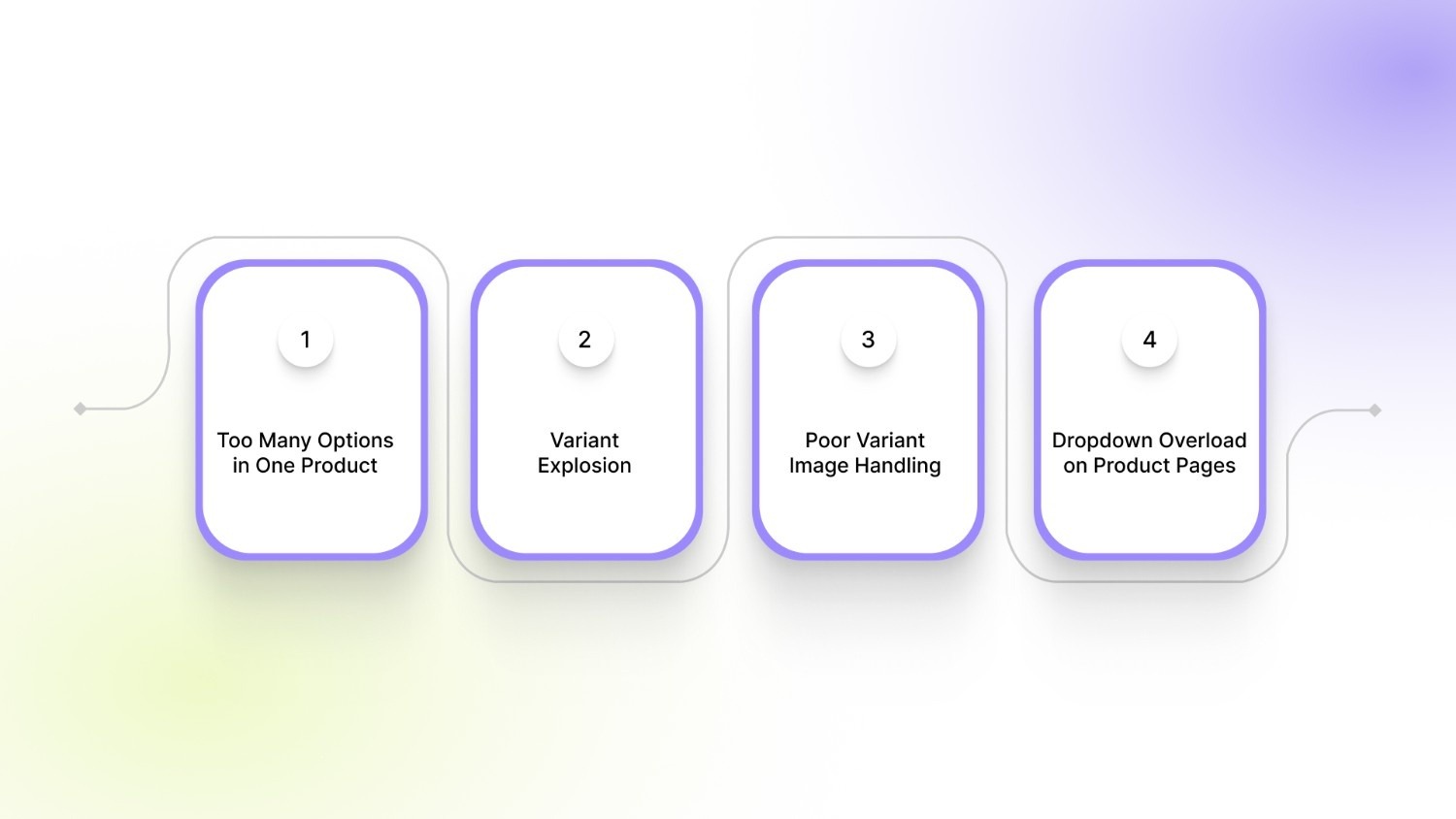
Setting up variants may seem simple at first, but many merchants run into issues once their catalog grows. These mistakes often lead to confusing product pages and make it harder for customers to choose the right item.
1. Too Many Options in One Product
Some stores try to include too many attributes within a single product listing. Shopify allows a maximum of three options, so merchants often attempt to fit several attributes into those fields. This can lead to complicated product structures that are difficult for both customers and store teams to manage.
2. Variant Explosion
Each option multiplies the total number of variants. Adding more colors, sizes, or materials can quickly create hundreds of combinations. Large variant counts make it harder to manage inventory, pricing, and images, especially for stores with large catalogs.
3. Poor Variant Image Handling
Customers expect to see images that match the variant they select. When variant images are not assigned correctly, shoppers may see unrelated images after selecting a color or style. This creates confusion and makes it harder for customers to confirm what they are purchasing.
4. Dropdown Overload on Product Pages
Many stores display variants using large dropdown menus. When products have many option values, these dropdowns become long and difficult to scan. Customers may struggle to find the right size or color, which slows down the buying process and can lead to abandoned sessions.
Managing large numbers of variants can quickly become difficult, especially when images, option selectors, and product listings are not organized clearly. Apps from StarApps Studio, such as Variant Image Automator and Color Swatch King, help Shopify merchants present variants more clearly with visual swatches, organized variant image galleries, and improved variant displays across product and collection pages.
How Variant Structure Affects Storefront Experience
Variant setup affects how customers interact with products across the store. A clear structure makes browsing simple, while poorly organized variants can create friction during the buying process.
Large Dropdowns Can Slow Down Product Selection
Products with many option values often rely on long dropdown menus. Customers may need to scroll through large lists of sizes, colors, or styles before finding the option they want. This slows product selection and can make the page feel cluttered, especially on mobile devices.
Variants Are Hard to Browse From Collection Pages
Most Shopify collection pages show only one version of a product. Customers must open the product page to see other colors or styles. This extra step adds friction when shoppers want to quickly compare different versions of a product.
Visual Selection Helps Customers Choose Faster
Shoppers usually prefer visual cues over text-based dropdowns. Clear visuals help customers identify the variant they want without reading through multiple options.
Common solutions include:
- Color swatches that show available colors directly on the product page
- Variant image galleries that update when a different option is selected
- Variant listings that display individual variants on collection pages
These improvements help customers understand product options quickly and make faster decisions. Many Shopify merchants use specialized apps to implement these features and present variants in a more organized and visual way across their storefront.
Practical Examples From Shopify Stores
Different industries use variants in different ways depending on how their products are structured. Looking at a few common catalog setups can help merchants decide how to organize their own products.
Fashion Stores
Fashion brands usually rely heavily on variants because products often come in multiple sizes and colors. Instead of creating separate listings for every combination, merchants group these variations under a single product.
Example structure:
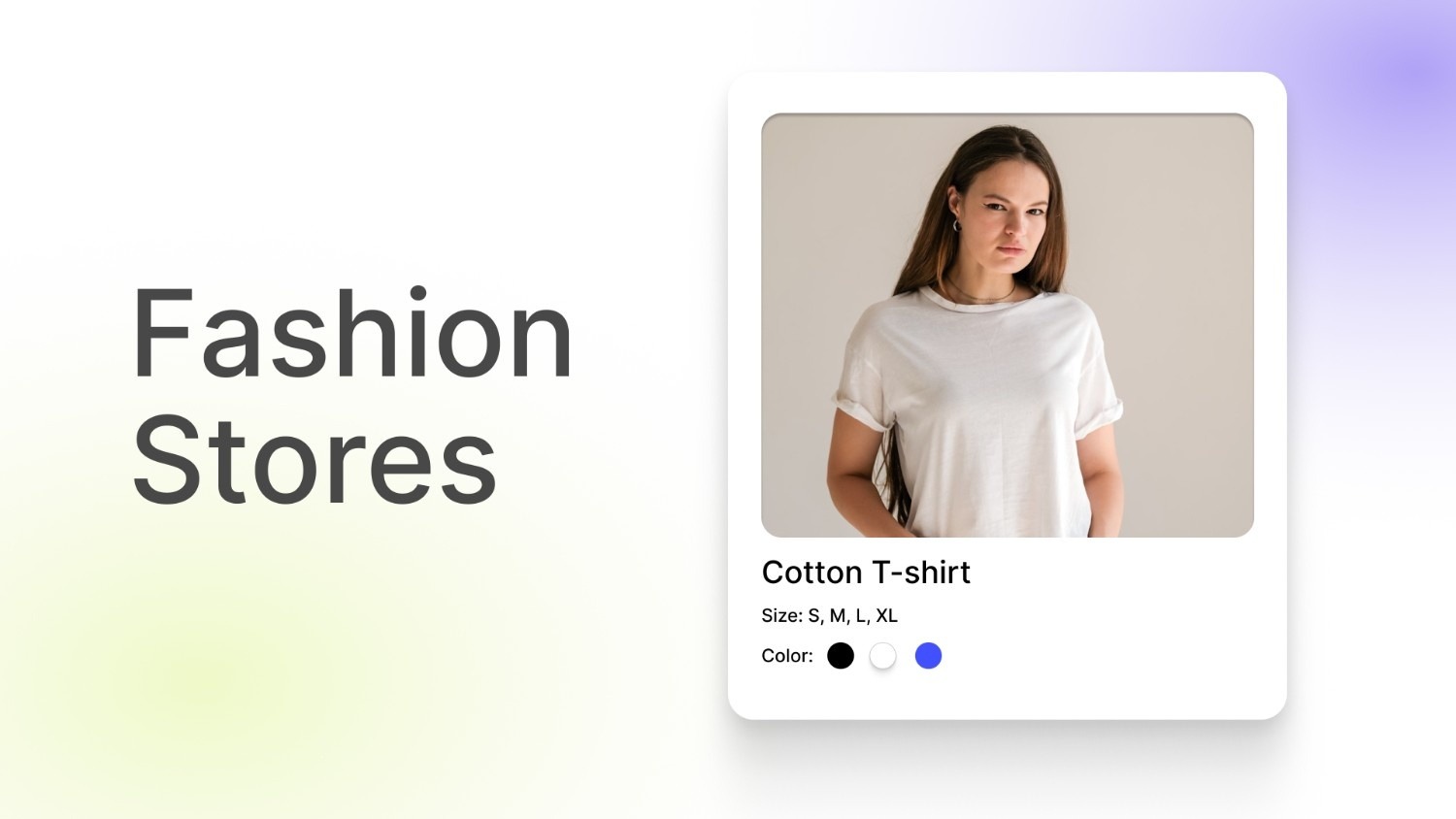
Product: Cotton T-shirt
Options:
- Size: S, M, L, XL
- Color: Black, White, Blue
Each size and color combination becomes a variant. This keeps the catalog organized and allows customers to choose their preferred version from one product page.
Electronics Stores
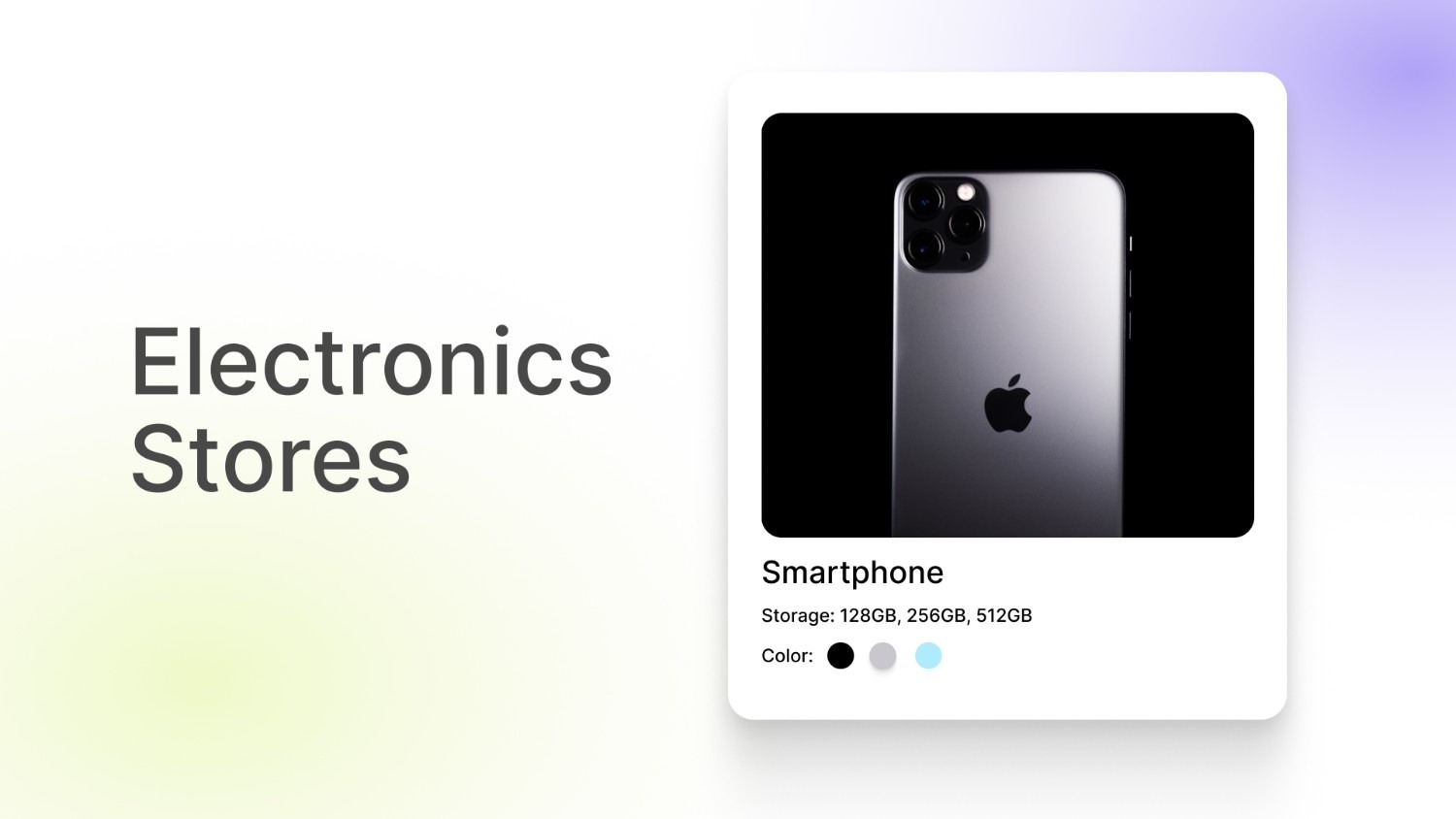
Electronics products often vary by specifications such as storage capacity or color. These differences still represent the same core product, so variants work well in this case.
Example structure:
Product: Smartphone
Options:
- Storage: 128GB, 256GB, 512GB
- Color: Black, Silver, Blue
Each combination becomes a variant with its own price, inventory level, and SKU.
Furniture Stores
Furniture catalogs frequently include variations based on size, material, or fabric type. Variants allow stores to present these options while keeping the main product listing consistent.
Example structure:
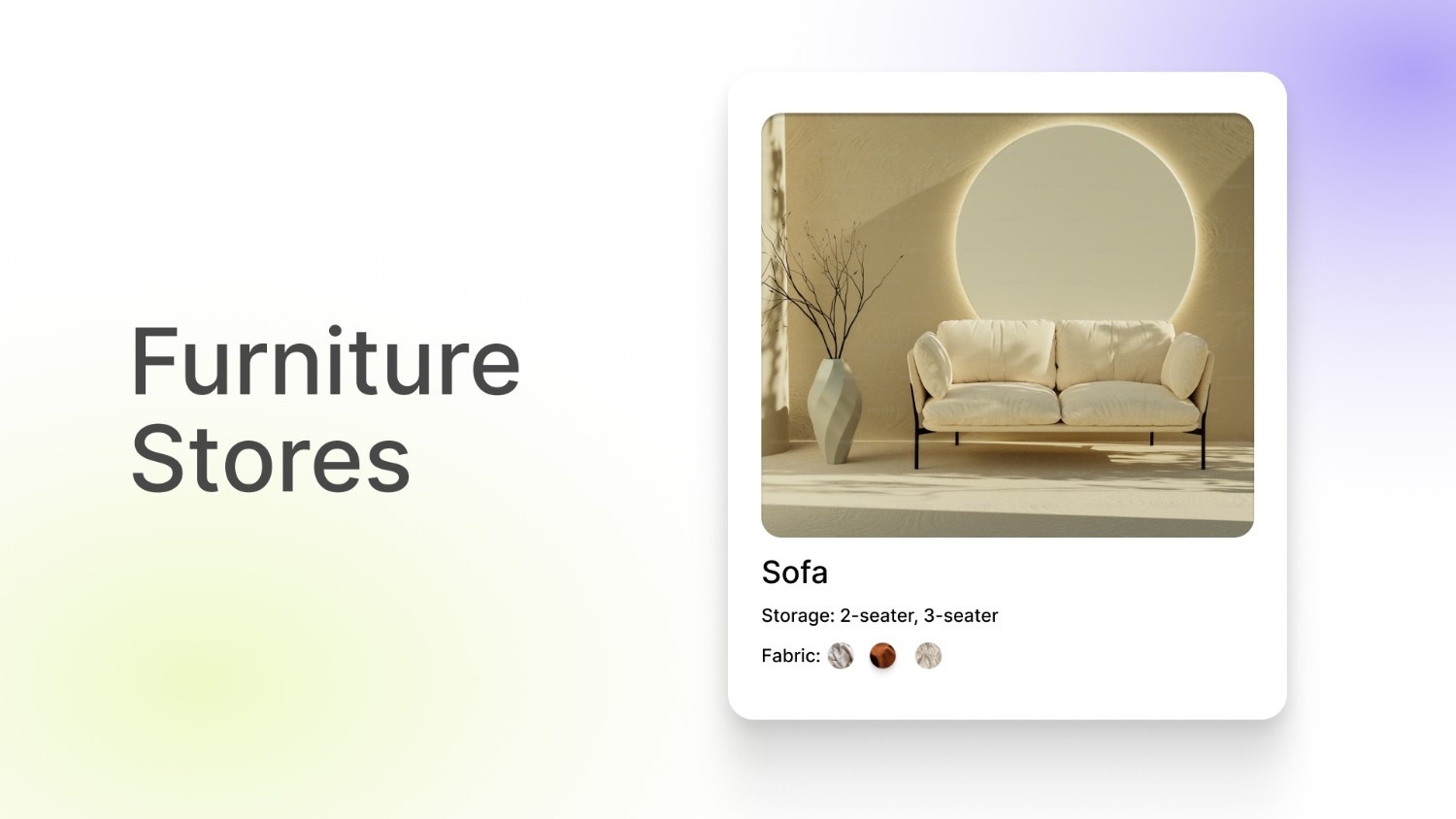
Product: Sofa
Options:
- Size: 2-seater, 3-seater
- Fabric: Linen, Leather, Velvet
Each combination becomes a variant with separate inventory and images.
Across these industries, the key strategy is to group variations that represent the same core product while keeping the catalog easy to browse. Clear variant structures help customers compare options quickly and make product management easier for store teams.
Final Thoughts
A clear product structure helps Shopify stores present variations in a way that is easy for customers to understand and select. Knowing how options define attributes and how variants represent actual product combinations allows merchants to organize catalogs more effectively and avoid common setup issues as their stores grow.
As catalogs expand, presenting variants clearly on product and collection pages becomes just as important as the setup itself. Tools built by StarApps Studio help merchants manage variant images, visual swatches, and structured listings that make product browsing simpler for customers.
If you're looking to improve how variants appear in your store, get in touch with our team to see how their apps can support your Shopify store.
FAQ’s
1. How many variants can a Shopify product have?
The number of variants a product can have depends on your store configuration. Shopify also allows a maximum of three options per product, such as color, size, or material. Since variants are created from combinations of option values, the total count can grow quickly when multiple attributes are involved. Merchants with large catalogs often plan their option structure carefully to keep variant counts manageable.
2. Can each Shopify variant have its own image?
Yes. Shopify allows each variant to have its own image. This is commonly used when products come in different colors or styles. For example, selecting the red version of a product can display images showing only that color. Assigning images correctly helps customers confirm they are viewing the right variation before purchasing.
3. Do Shopify variants affect inventory tracking?
Yes. Inventory is tracked at the variant level. Each variant can have its own SKU, stock quantity, and barcode. This allows merchants to monitor inventory for each product combination separately, such as tracking stock for a specific size and color.
4. Can Shopify variants have different prices?
Yes. Shopify allows merchants to set different prices for each variant. This is useful when certain variations cost more to produce or include additional features. For example, a larger size or higher storage capacity can have a higher price than other variants of the same product.
5. Can customers see variants directly on Shopify collection pages?
In most Shopify themes, collection pages display only the main product listing rather than individual variants. Customers usually need to open the product page to select a specific option. Some merchants add visual variant selectors or show variants separately on collection pages to make browsing different colors or styles easier.
Heading

End-to-end traceability
To ensure regulatory compliance, you must have a complete overview of your products from production to shipping. Book a demo to see how Katana can give you full visibility of your operations.



.png)

.svg)

.svg)

.svg)
.png)