

Losing sales due to unclear variant details? Write Shopify product descriptions that reduce confusion and improve selection decisions.
You land on a product page, pick a size or color, and expect the details to change with your selection. But nothing updates. You scroll, switch options, and try to piece together what’s actually different. At some point, it feels easier to leave than figure it out.
This is where many Shopify stores lose buyers. Not because the product is unclear, but because the description doesn’t reflect the variant being chosen.
70% of online shoppers say product content can make or break a sale. When descriptions don’t match the selected option, decisions slow down or stop.
In this blog, we will discuss how to write product descriptions for Shopify variants so customers can quickly understand differences and choose without second-guessing.
Overview
- Generic product descriptions fail in variant-heavy stores because they don’t update with the selected option, forcing customers to interpret differences themselves.
- Clear separation between base information and variant-specific details ensures customers see only what changes, without scanning irrelevant content.
- Descriptions should highlight decision-driving differences like fit, material, compatibility, or usage at the moment of selection.
- Consistent, scannable formats make it easier to compare variants quickly, especially when customers switch between options on mobile.
- Missing or poorly surfaced details create hesitation, repeated variant switching, and drop-offs during selection.
Why Generic Product Descriptions Break Down in Variant-Heavy Shopify Stores?
Most Shopify stores still use one product description across all variants. While this works when the differences are minor, it breaks when variants change what customers actually evaluate before buying.
A product might look the same at a glance, but variants often differ in ways that affect buying decisions:
- Material
- Fit or size behavior
- Compatibility
- Shipping or availability
When this information is not tied to the selected product variant, customers see a generic description that doesn’t match what they’re choosing.
In 2026, product descriptions need to reflect the selected option. Otherwise, they stop helping the moment a customer switches variants.
Now that the limitations of generic descriptions are clear, the next step is understanding what information should remain fixed and what should change.
What Information Should Stay Constant vs Change Across Variants?
Not everything on a product page should change with each variant. The mistake most stores make is either keeping everything the same or rewriting everything for every option. Both create confusion. The goal is to separate what defines the product from what changes the buying decision.
1. Base Product Information (Shared Across Variants)
This is the foundational layer that defines the product as a whole and should remain consistent regardless of which variant the customer selects.
Here’s what to keep:
- Core product purpose or use-case
- Overall design or style
- Brand, category, and positioning
- General benefits that apply to all options
For example, a shirt can be described as “tailored for everyday wear with a slim silhouette.” This stays true across all sizes and colors.
Keeping this consistent avoids duplication and keeps the page clean.
2. Variant-Specific Information (What Actually Changes)
This is the decision layer where differences between variants directly influence the customer’s choice and should only include details that vary across options.
Only include details that differ between options:
- Material differences across colors or finishes
- Fit variations across sizes
- Compatibility across models or versions
- Shipping timelines or stock conditions
Example:
- Black → wrinkle-resistant fabric
- White → lightweight, breathable cotton
This level of clarity removes guesswork and helps customers choose faster.
3. Avoiding Information Overload Across Options
Always present only relevant information per variant without repeating entire descriptions. This way, customers can quickly understand differences without scanning unnecessary details.
Instead of repeating full descriptions for each variant:
- Keep shared information fixed
- Surface only the differences when a variant is selected
- Use short, scannable lines instead of long paragraphs
When done right, customers don’t have to search for relevant details. They see exactly what applies to their selection, and at the moment they need it.
Once this separation is clear, the next step is shaping how these details are written so customers can quickly understand and act on them.
Also Read: How Do You Build Flexible Catalogs With Shopify Custom Code Variants?
Core Principles of Writing Product Descriptions That Drive Decisions

Writing product descriptions for Shopify variants requires a different approach from writing a standard product page. The goal is not to describe the product in broad terms, but to make variant-level differences easier to understand, compare, and act on. These principles shape how that clarity is built:
1. Define the Customer and Use-Case Before Writing
Strong variant descriptions begin with context. A shopper comparing sizes, materials, or device models is usually trying to resolve one specific question, so the description works best when it reflects that comparison instead of repeating broad product-level messaging.
2. Focus on What Helps the Customer Choose (Not Just Describe)
The most useful description content reduces uncertainty between options. In variant-heavy Shopify stores, that usually means clarifying the differences that influence selection. This includes fit, fabric, compatibility, finish, or delivery conditions tied to the chosen variant.
3. Balance Features with Real-World Benefits
Variant descriptions become more useful when technical differences are connected to actual usage. A fabric blend, storage capacity, or finish type matters more when the customer can immediately understand how that difference affects comfort, maintenance, performance, or everyday practicality.
4. Write for Scanning, Not Reading
Variant selection usually happens quickly, especially on mobile. Descriptions, therefore, perform better when information is broken into short, predictable lines that make differences easy to spot, instead of forcing customers to read through dense blocks of repeated product copy.
5. Use Contextual Language Instead of Generic Copy
Generic phrases often collapse under variant comparison because they sound identical across options. More effective variant descriptions use language tied to the selected option and have a strong, relevant hook, making differences in material, fit, performance, or intended use immediately clear at the decision point.
6. Validate and Improve Based on Customer Behavior
Description quality becomes easier to assess when tied to how customers interact with variants. Repeated switching, delayed selection, or higher return patterns around certain options often point to missing details, unclear wording, or differences that were not explained well enough.
After discussing the key principles of variant-specific descriptions, the next step is implementing these strategies seamlessly across your Shopify store. StarApps Studio offers the perfect solution with Variant Descriptions King, allowing you to automate and display detailed, variant-specific information, making it easier for your customers to make informed decisions.
With these principles in place, the focus shifts to structuring descriptions so variant-level differences are visible and easy to compare during selection.
How to Structure Variant-Specific Product Descriptions: Step-by-Step
Variant descriptions don’t fail because of poor writing. They fail because the structure doesn’t match how customers compare options on Shopify product pages. In the following section, we will learn the steps to structure it properly:

Step 1: Map Variant Differences Before Writing
Before writing, identify which variant attributes actually influence buying decisions, rather than listing every backend difference that exists in your catalog.
These differences usually fall into a few categories:
- Material differences (cotton vs polyester blend)
- Fit behavior across sizes (regular vs oversized)
- Compatibility across models or devices
- Finish or build variations
- Shipping or availability conditions
Step 2: Write Only What Changes (Avoid Repetition)
Instead of rewriting full descriptions per variant, isolate and write only the information that changes across options to keep comparisons clean.
In practice, this means:
- Avoid duplicating product-level messaging
- Add short, targeted lines for each variant
- Keep language consistent across all options
Example:
- Black → retains structure after multiple washes
- White → softer feel, suited for daily wear
Step 3: Format Content for Quick Comparison
Structure variant information in a consistent format so customers can compare options quickly without re-reading or interpreting long paragraphs repeatedly.
This works best when structured like this:
- Use fixed labels like Material, Fit, or Usage
- Maintain the same sequence across all variants
- Keep lines short and aligned
Step 4: Match Descriptions with Variant Images
Ensure that when variant images change on selection, the description reflects the same difference so customers can validate what they see.
This alignment typically looks like:
- Variant image updates → description must reflect that change
- Highlight visible differences (texture, finish, build)
- Avoid static text across dynamic selections
Step 5: Add Microcopy That Reduces Hesitation
Include short, variant-specific cues that address edge-case questions so customers don’t need to switch variants repeatedly to confirm details.
These usually include details like:
- Fit notes (“slightly tapered at waist”)
- Compatibility warnings
- Shipping or packaging differences
Once the structure is defined, it helps to see how this approach works in scenarios across different product categories and variant types.
Examples of Variant-Specific Product Descriptions
Variant descriptions are not written as full paragraphs per option. They are added as short, selection-level lines that update alongside the chosen variant. The examples below show how these differences are surfaced directly, where the customer is making a choice.
1. Apparel (Size, Fabric, Fit Differences)
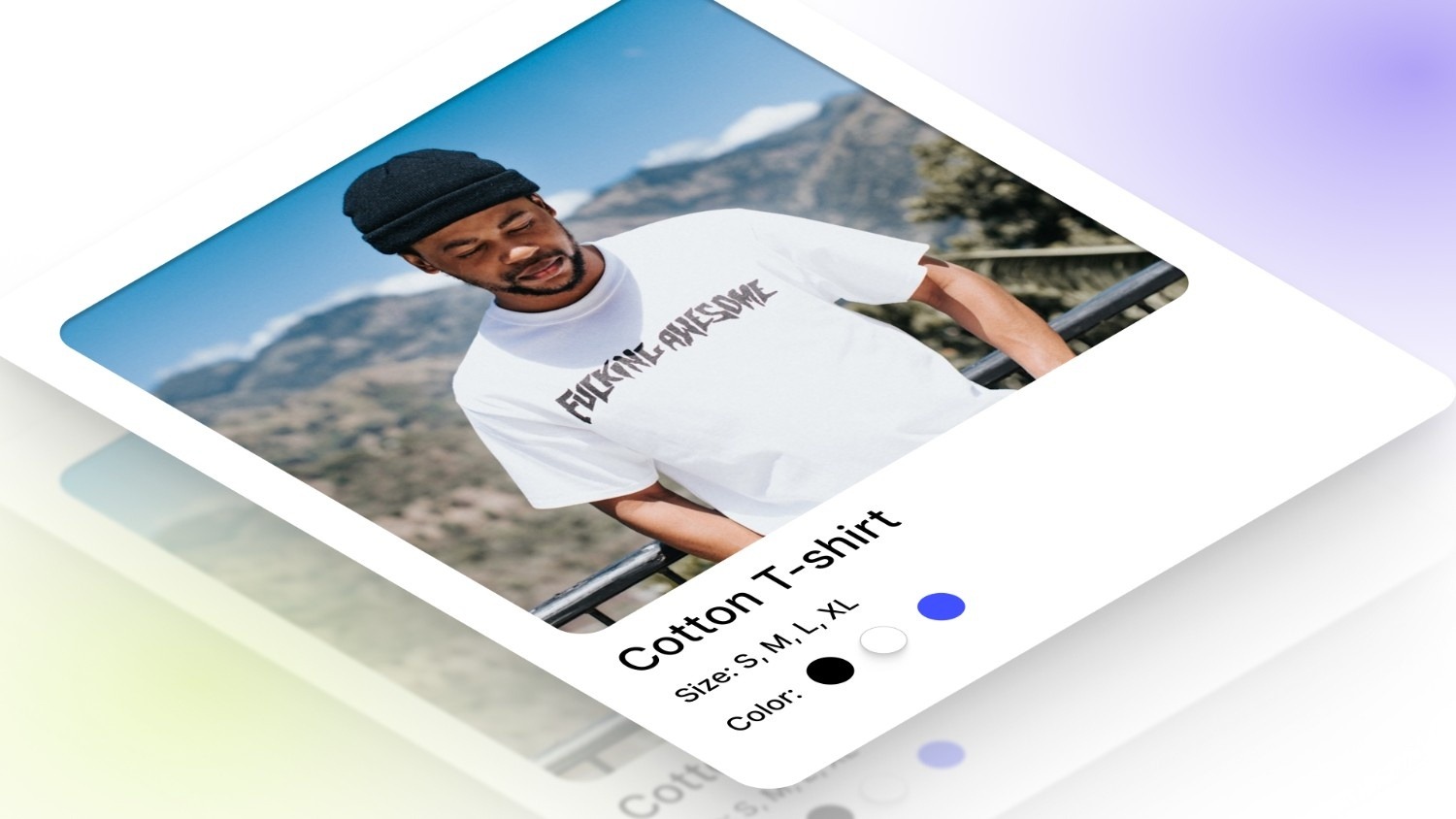
In apparel, the same product can fit, feel, and behave differently across variants, even when the base design stays unchanged.
For a shirt with multiple variants, the description shifts based on what the customer selects:
- Small → Slim fit, sits closer to the body
- Large → Relaxed fit, more room across shoulders and chest
- Black → Polyester blend, holds structure after repeated washes
- White → Cotton fabric, lighter feel for warmer conditions
Each line answers: how does this option feel different when worn?
2. Electronics (Specs, Compatibility, Performance)

In electronics, variants usually change how the product performs or what it works with, which directly affects usability.
For a device with storage and model variants, descriptions typically adapt like this:
- 128GB → Suitable for everyday apps and moderate storage
- 256GB → Supports large files, media-heavy usage
- Model A → Compatible with iPhone 14 and above
- Model B → Supports iPhone 12–13 series only
Each variant clarifies: what changes in actual usage?
3. Home & Lifestyle (Material, Finish, Usage Differences)
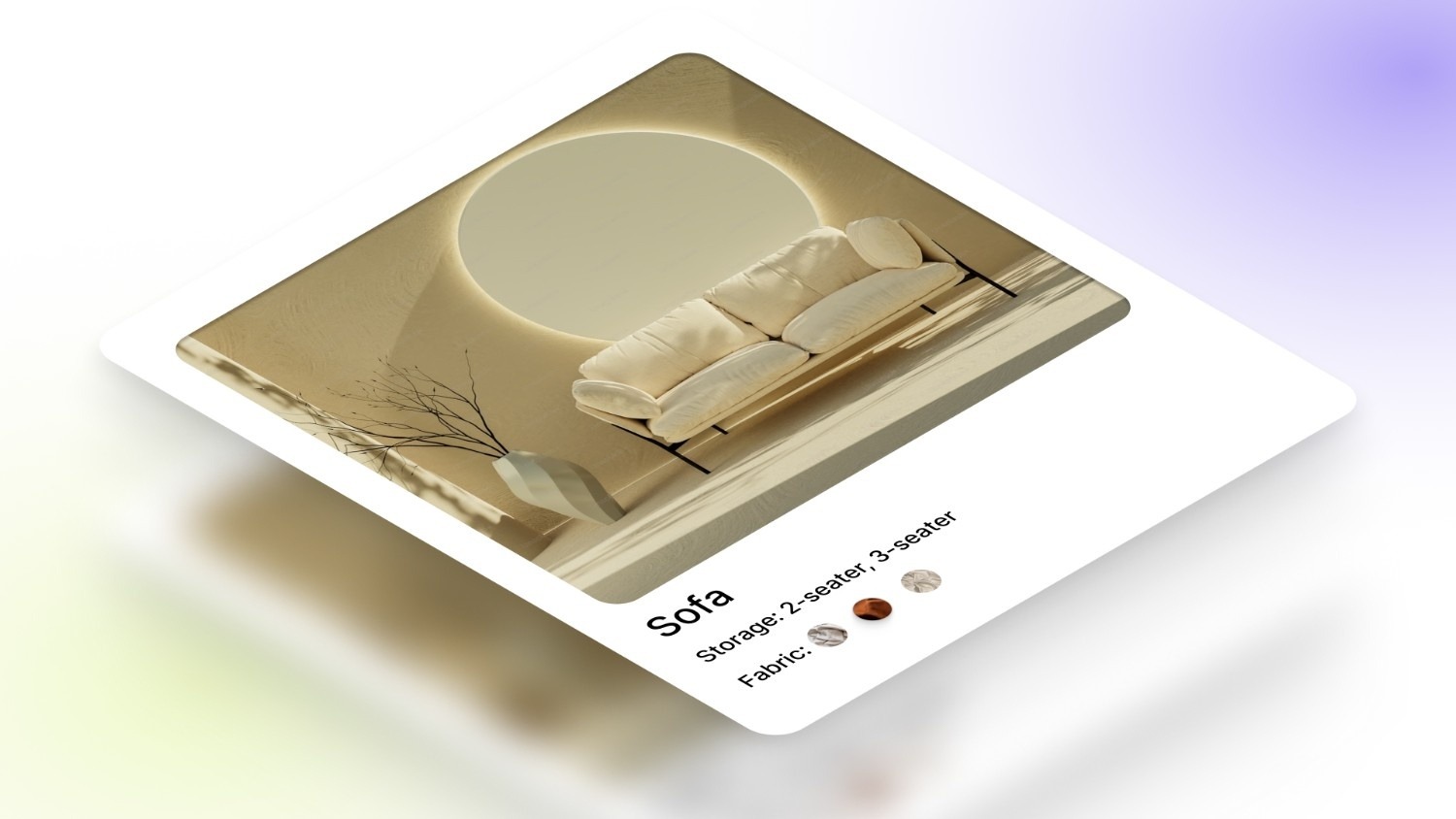
For home products, variants influence durability, maintenance, and where the product fits best in everyday use.
A furniture or decor product might describe variants this way:
- Matte → Non-reflective surface, works better in bright spaces
- Gloss → Reflective finish, adds depth in softer lighting
- Wood → Natural texture, requires occasional maintenance
- Metal → More resistant to scratches, suited for frequent use
Each option answers: where and how should this be used?
Having seen how this works in practice, it becomes easier to identify common mistakes that disrupt clarity when customers interact with variants.
Also Read: Shopify Variants: How to Show Product Options Correctly
Common Product Description Mistakes That Slow Down Purchase Decisions
Most issues with product descriptions narrow down to the unresolved answers that buyers try to find.
Here are mistakes that show up at that level:
- Important variants look identical: Selecting a popular size or color doesn’t change what the customer sees, so nothing helps them confirm they’re choosing the right option.
- Key differences show up too late: Customers scroll past general copy before finding what actually changes, and many drop off before reaching it.
- Selection doesn’t feel acknowledged: Switching variants changes the option, but the supporting information doesn’t reflect that shift in a meaningful way.
- Small doubts stay unresolved: Things like fit edge-cases, compatibility gaps, or delivery quirks are missing right when customers are deciding.
- Comparison gets tiring quickly: After switching between a few variants, everything starts to feel the same, even when differences exist.
- On mobile, details disappear between taps: Each variant change pushes key differences out of view, forcing customers to scroll back and re-check.
How StarApps Studio Helps Shopify Stores Improve Variant-Specific Descriptions
When it comes to optimizing product pages for Shopify, StarApps Studio is the leader in enhancing variant-specific content. We understand that customers need clarity on what’s different between variants, whether it’s size, material, or color. Without clear, detailed variant descriptions, customers hesitate, leading to abandoned carts or incorrect purchases. That’s where StarApps Studio shines by helping you deliver tailored, variant-specific descriptions.
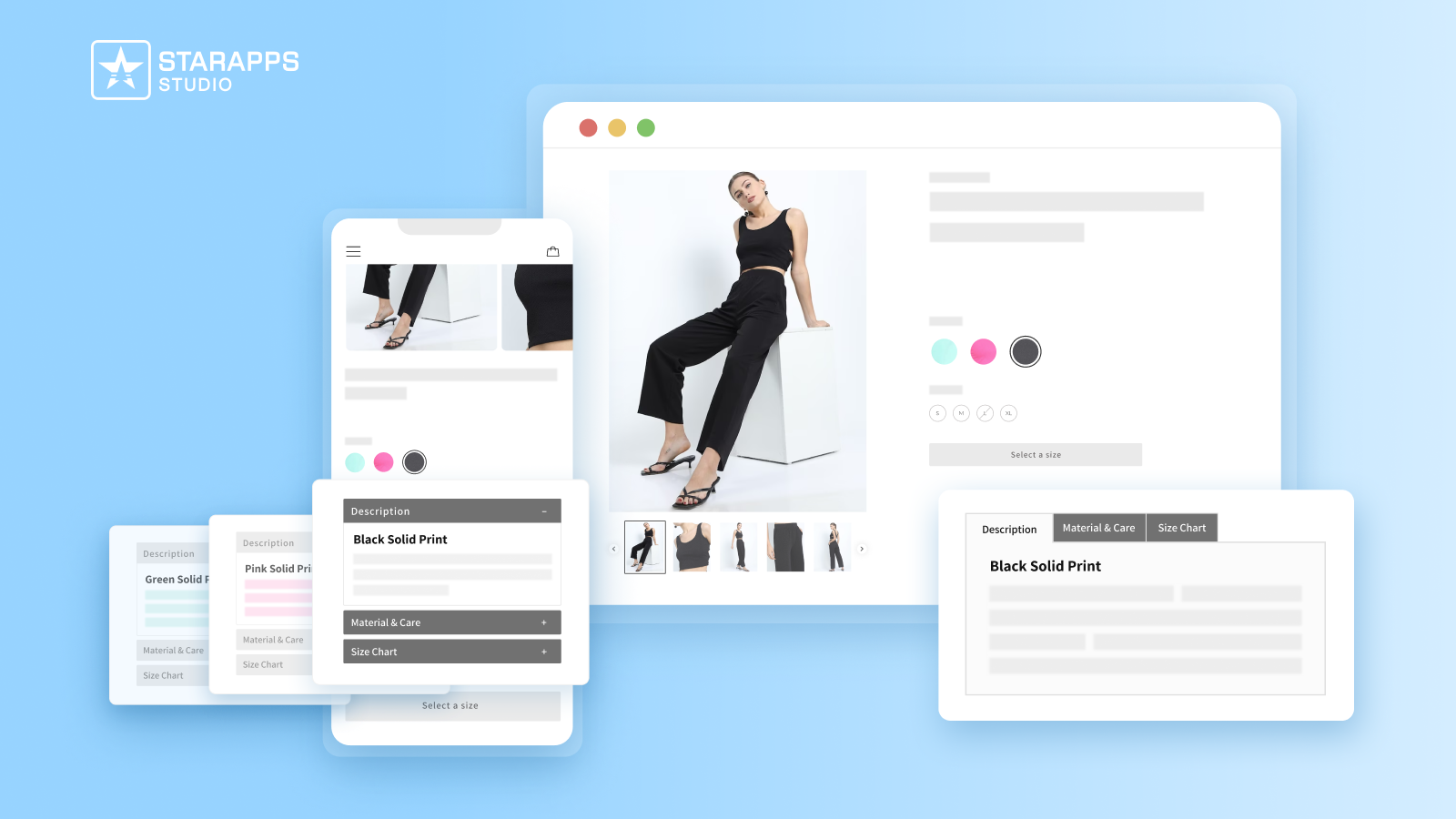
Our tool, Variant Descriptions King, is designed to display the right information for each variant, ensuring customers can quickly make decisions without confusion. This tool automatically updates descriptions based on the selected variant, saving you time and improving the shopping experience.
Key Features of our tool:
- Automatically display specific details like fabric, fit, or care instructions for every variant, helping customers make informed choices.
- Organize detailed descriptions into easy-to-navigate sections, keeping product pages clean and reducing clutter.
- The app switches to an accordion view on mobile, ensuring that variant details remain accessible and easy to read.
- Fully customize the appearance of the tabs or accordions to fit your store's theme, offering a seamless experience for your customers.
By using Variant Descriptions King, you can create a more streamlined, tailored experience for customers. With clear, concise descriptions that change based on variant selection, your store will see fewer returns and increased customer satisfaction.
Conclusion
Providing variant-specific product descriptions on your Shopify store enhances decision-making, improves the shopping experience, and reduces confusion, leading to higher conversions. By showing the right details for each variant, you help customers make informed choices and minimize returns.
With StarApps’ Variant Descriptions King, you can seamlessly automate updating descriptions based on variant selection, ensuring clarity and enhancing the user experience across all devices.
For a more streamlined shopping experience and increased conversions, explore how Variant Descriptions King can work for your store. Get in touch with us today!
FAQs
1. Why do good product descriptions matter?
They reduce uncertainty at selection. When descriptions clearly explain variant-level differences like fit, material, or compatibility, customers choose faster, make fewer mistakes, and return fewer products.
2. Can I use AI to write product descriptions?
AI can generate base descriptions, but it doesn’t understand variant-level differences or real usage context. It works best when used to draft a structure, then refined manually to reflect actual product behavior across variants.
3. How do I write a good product description in a short time?
Start with a fixed template: base product info + variant difference blocks. Pre-define attributes like fit, material, and usage so you only fill in what changes instead of writing each description from scratch.
4. What is a story-based product description?
A story-based description explains how the product fits into real use instead of listing specs. For variants, this means showing how each option behaves in context, like comfort in heat or compatibility with specific devices.
5. How to evaluate if your product descriptions are working?
Watch variant behavior: repeated switching, delayed selection, or returns tied to specific options indicate missing clarity. If customers decide quickly without revisiting options, descriptions are doing their job.
Heading

End-to-end traceability
To ensure regulatory compliance, you must have a complete overview of your products from production to shipping. Book a demo to see how Katana can give you full visibility of your operations.
.png)

.svg)

.svg)

.svg)
.png)