


Create swatch images fast on Shopify using product images. Learn faster workflows, best practices, and tools to scale without manual work.
A shopper lands on a product page, likes the style, and starts checking colors. Clear swatches help them compare options at a glance and choose something they genuinely love. When swatches are missing or inconsistent, that moment of excitement fades, and many shoppers move on.
For Shopify store owners, this problem grows with every new product and variant. Creating swatch images one by one quickly becomes repetitive, time-consuming, and hard to maintain at scale. Shopify also doesn’t generate image-based swatches out of the box, leaving teams to rely on manual workarounds.
In this blog, we’ll walk through the fastest ways to create swatch images on Shopify and how to apply them without adding more work to your workflow.
Key Takeaways
- Creating swatch images manually doesn’t scale once a Shopify store starts adding more colors, styles, or variants.
- Basic color dots are quick to set up but fall short when shoppers need to see real textures, finishes, or shade differences.
- The fastest way to create swatch images is to generate them directly from existing variant images instead of designing them separately.
- Showing image-based swatches on both product and collection pages helps shoppers compare options faster and reduces drop-offs.
- Automated swatch tools like Color Swatch King reduce repetitive work while keeping swatches accurate and consistent as catalogs grow.
Why Creating Swatch Images Is Slower Than It Should Be
What starts as a simple task often turns into a recurring time sink as a store grows. Managing swatch images manually creates friction in places that shouldn’t slow a business down.
- Manual uploads for every variant: Each new color or style needs its own swatch image, uploaded and assigned one at a time.
- Repeating the same work across products: The same colors appear across multiple products, yet the process has to be redone every time.
- Inconsistent swatch styles: Different image sources and formats lead to swatches that don’t look uniform across the store.
- Hard to update when variants change: Adding, removing, or replacing variants means revisiting swatches and fixing them again.
- Time spent away from growth: Hours go into maintenance work that doesn’t improve marketing, merchandising, or sales.
To see why swatch creation slows down, let’s look at the common methods merchants use and their limitations.
Also, Check: How to Get Shopify Colors to Show as Swatches: A Complete Guide.
Common Swatch Creation Methods and Their Drawbacks
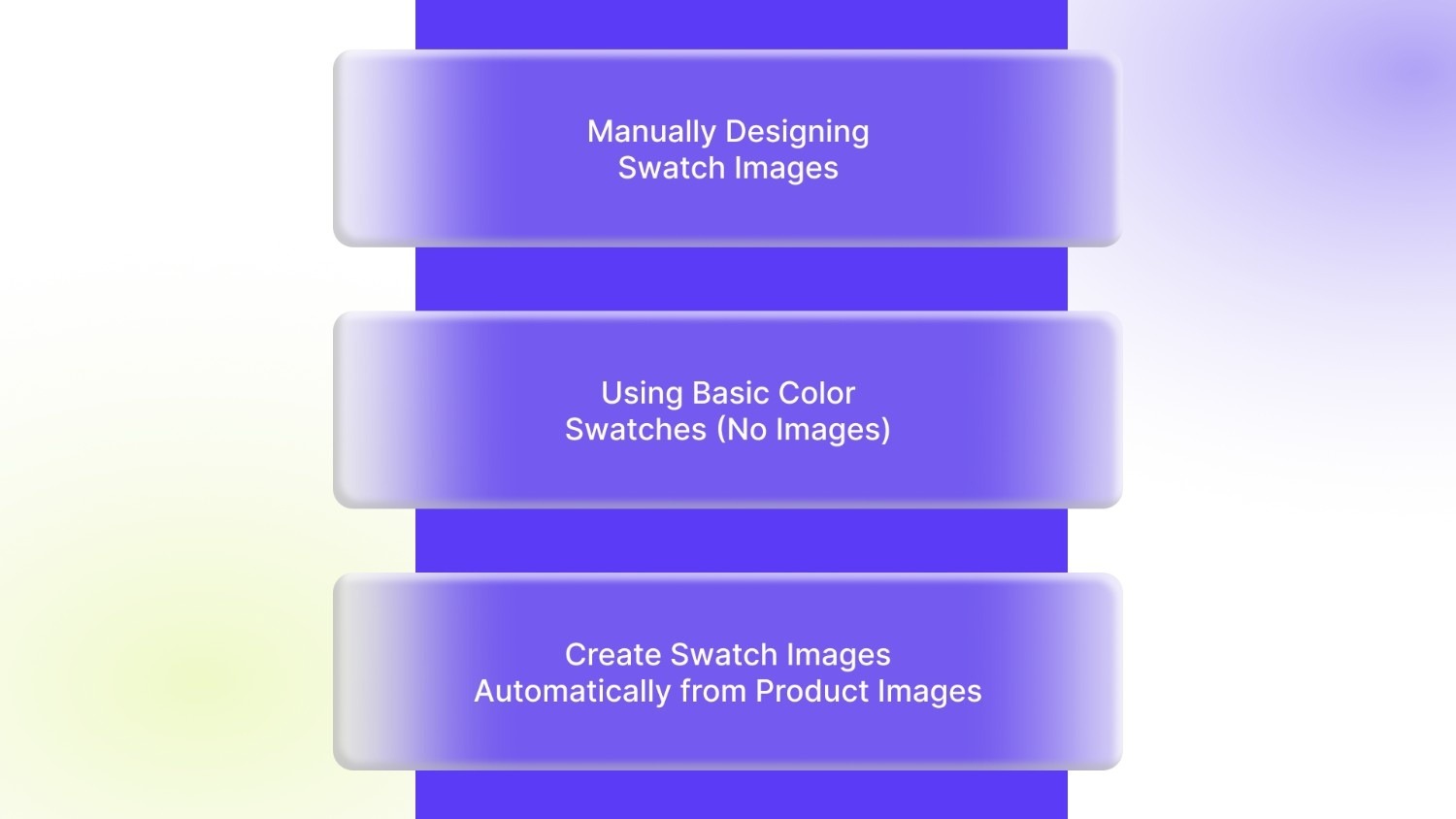
Most Shopify merchants try a few different approaches before finding what actually works at scale. Here are the most common ones—and where they fall short.
Method 1: Manually Designing Swatch Images
This usually involves using design tools to crop product images, sample colors, or recreate swatches from scratch. While this can work for very small catalogs, it quickly becomes a burden as variants increase.
Where it breaks down:
- Time-consuming to create and upload each swatch
- Hard to keep consistent across products
- Needs repeat work whenever colors or images change
Method 2: Using Basic Color Swatches (No Images)
Some stores rely on simple color dots or buttons generated from color codes. These are faster to set up and easier to manage.
The trade-off:
- No texture, fabric, or finish details
- Shoppers can’t see real visual differences
- Less helpful for products where appearance matters
This often leads merchants to look for image-based swatches instead.
Method 3: Create Swatch Images Automatically from Product Images (Fastest Option)
This approach uses existing variant images to generate swatches automatically. There’s no separate design work and no extra uploads.
Why it works:
- Swatches stay accurate and visually consistent
- Updates happen automatically when images change
- Scales easily across large catalogs
One example of how merchants do this today is Color Swatch King, a Shopify app that creates image-based swatches directly from product variants. It’s built for stores managing many SKUs and works with existing themes without adding extra load.
Best Practices for High-Converting Image Swatches
Creating swatch images is only part of the work. How they’re used across the store makes a real difference to shopper decisions.
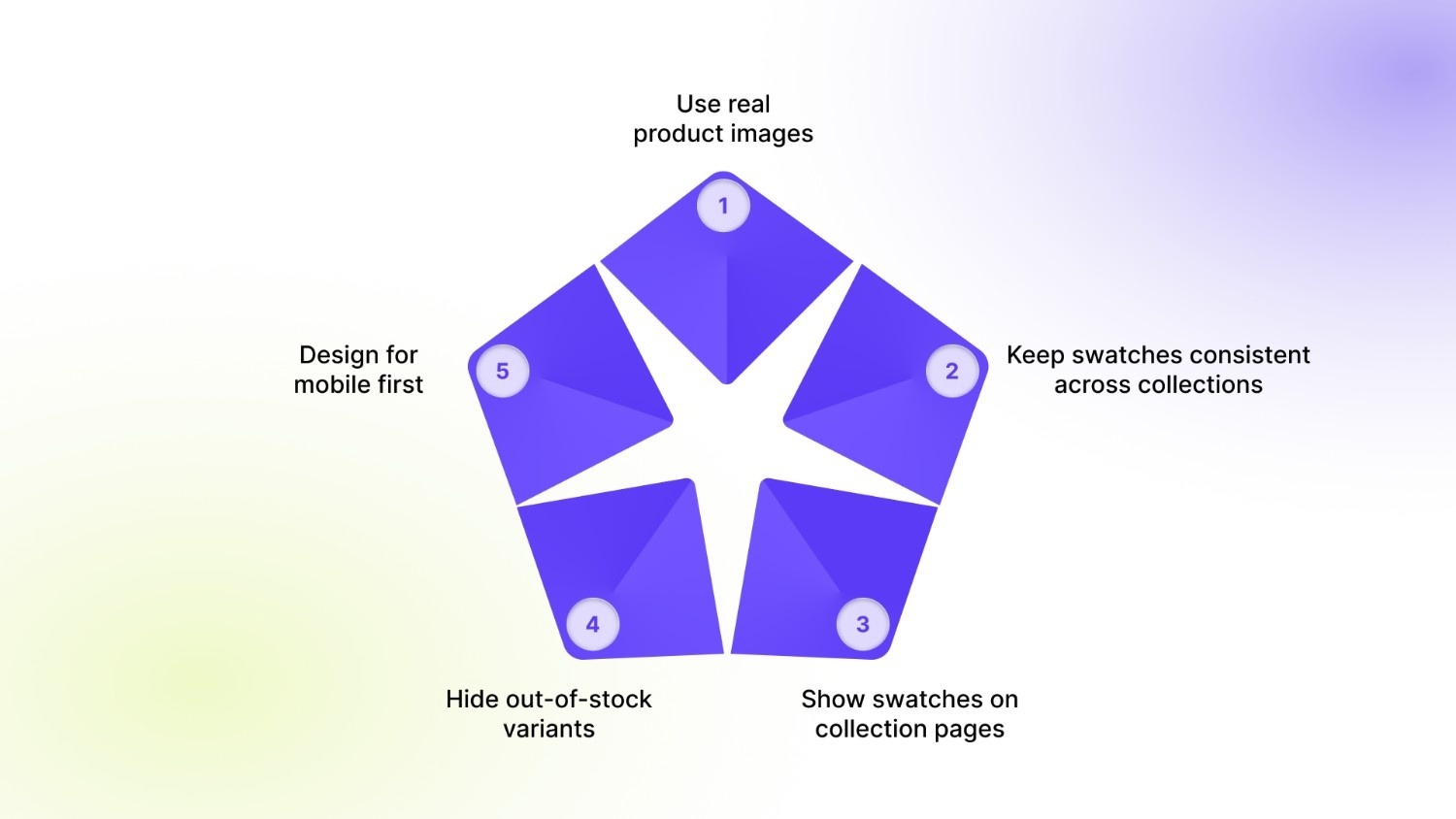
- Use real product images: Image-based swatches show actual texture, finish, and tone, helping shoppers connect with what they’re buying.
- Keep swatches consistent across collections: Uniform sizing and styling make browsing feel clean and predictable.
- Show swatches on collection pages: Let shoppers compare colors or styles without opening every product page.
- Hide out-of-stock variants: Removing unavailable options reduces frustration and keeps attention on what can be purchased.
- Design for mobile first: Swatches should be easy to tap, scroll, and understand on smaller screens.
Once you’ve set up swatches the right way, it helps to know which types of stores benefit the most from fast, automated swatch creation.
Who Should Focus on Creating Swatch Images Fast?
Fast, image-based swatches matter most for stores where visual choice plays a big role in buying decisions.
- Fashion & apparel stores with multiple colors, sizes, and styles
- Beauty and cosmetics brands where shade accuracy influences purchases
- Home decor and furniture stores selling finishes, fabrics, or materials
- Electronics brands offering the same product in different colors or builds
- High-SKU, fast-growing DTC brands adding new variants regularly
For stores managing dozens or hundreds of variants, automation becomes essential to keep the shopping experience clear and consistent as the catalog grows.
Recommended Read: How to Add Product IDs with Color Swatches to Product Pages.
How Faster Swatch Creation Boosts UX and Sales
When swatch images are quick to create and easy to manage, the impact is felt across the entire store. Setup takes less time, product pages stay tidy, and shoppers can compare options without friction. Clear, visual swatches help buyers feel comfortable with their choices, reducing hesitation during browsing.
Key benefits include:
- Faster setup as swatches are created without repeated manual work
- Cleaner storefronts with consistent visuals across products and collections
- Better product discovery by letting shoppers compare variants at a glance
- Higher buyer confidence when options are clear and visually accurate
- Less ongoing work for teams, freeing time for merchandising and growth
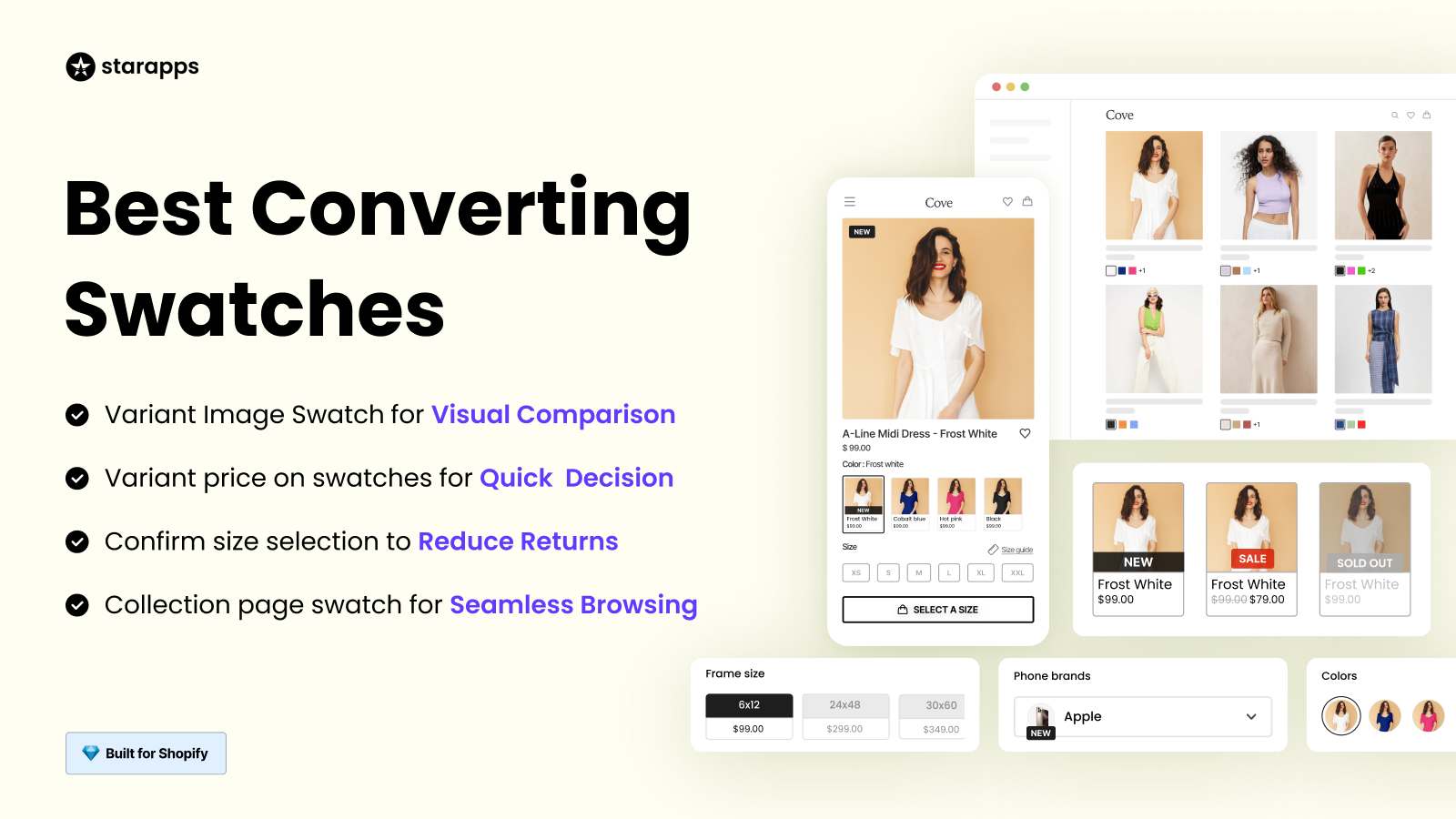
Solutions like Color Swatch King support this approach by helping merchants create swatch images fast, cut down repetitive tasks, and maintain a smooth Shopify storefront experience as catalogs scale.
Conclusion
If creating swatch images still feels slow or manual, the next step is to simplify the process before it becomes harder to manage. Start by reviewing how swatches are currently created in your store. Look for repeat work, inconsistent visuals, or areas where updates take longer than they should. These are clear signs that your setup isn’t scaling with your catalog.
Moving to automated, image-based swatches helps keep product browsing clear while reducing the time spent on upkeep. StarApps Studio builds Shopify tools designed for exactly this by allowing merchants to manage variants, images, and storefront presentation without adding complexity. Apps like Color Swatch King make it easier to create and maintain swatch images across growing catalogs.
Wish to improve how shoppers explore variants and reduce manual work for your team? Get in touch with our team to see how their apps can support your store’s next phase of growth.
FAQs
1. Do image-based swatches affect Shopify store speed?
When implemented correctly, image-based swatches don’t slow down a store. Well-built swatch tools reuse existing product images and load only what’s needed, helping stores maintain smooth page performance even with large catalogs.
2. Can swatch images work with custom or heavily edited Shopify themes?
Yes, image-based swatches can work with custom themes. The key is using tools that adapt to different theme structures and don’t rely on hard-coded layouts, which reduces the risk of visual or functional issues.
3. What happens to swatches when new variants are added?
With automated setups, new variants are handled automatically. As long as variant images are added, the corresponding swatches are generated or updated without requiring extra manual steps.
4. Can swatch images be shown differently on desktop and mobile?
Yes. Many Shopify stores adjust swatch size, layout, or behavior based on screen size. This ensures swatches remain easy to use on mobile while still looking clean on larger screens.
5. Is it possible to manage swatches across multiple products at once?
Yes. Bulk management is essential for stores with large catalogs. It allows merchants to update swatches across many products without editing each one individually. However, bulk or CSV workflows are app-powered, not Shopify-native.
Heading

End-to-end traceability
To ensure regulatory compliance, you must have a complete overview of your products from production to shipping. Book a demo to see how Katana can give you full visibility of your operations.



.png)

.svg)

.svg)

.svg)
.png)