
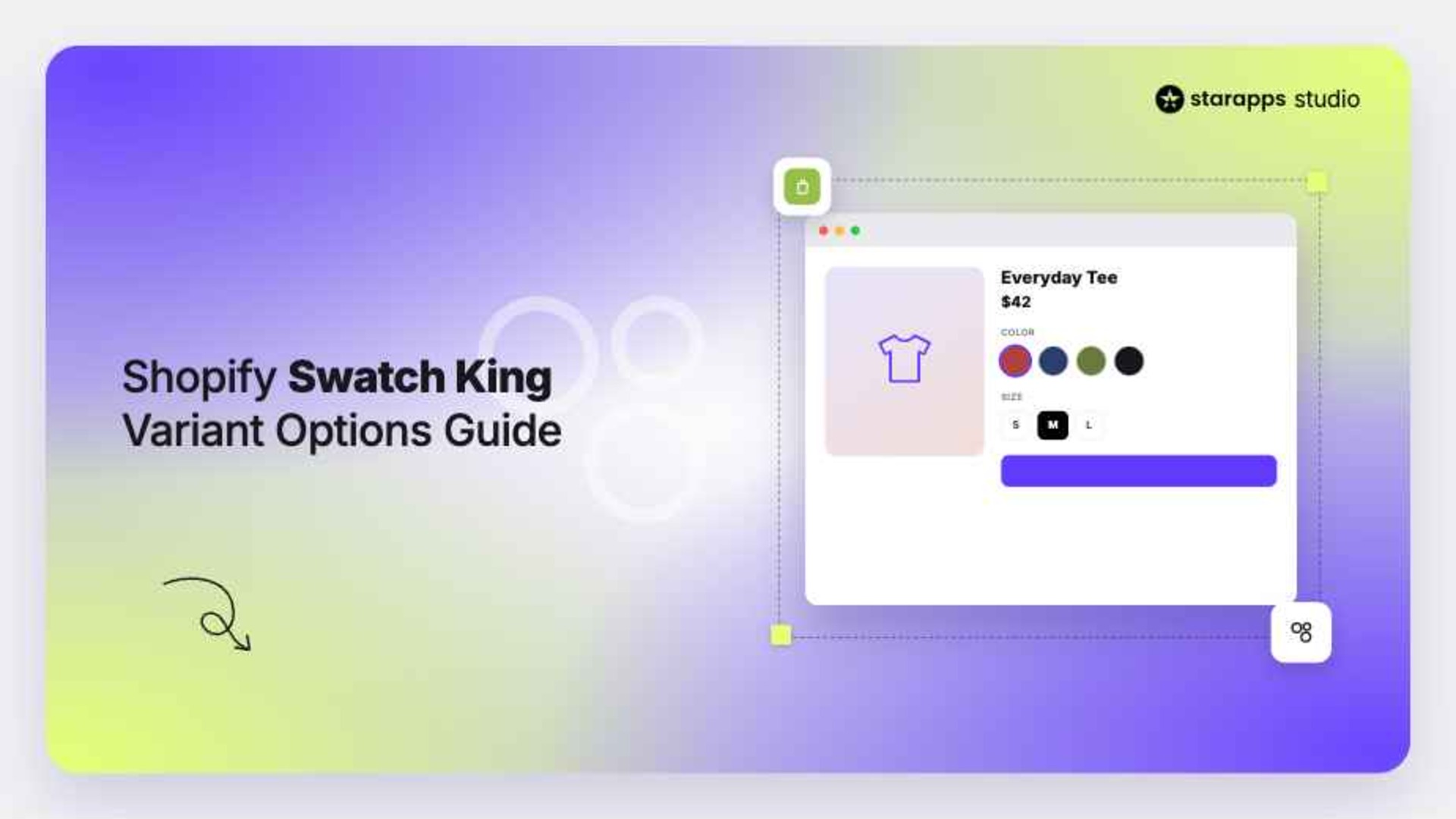

Learn how Shopify Swatch King improves variant options with image swatches, color swatches, and faster product selection on Shopify stores with better UX.
Many Shopify stores offer products in multiple colors, sizes, materials, or styles, but the way those options are presented can create unnecessary friction. If customers have to scroll through dropdown menus just to find the right variant, they may lose interest before reaching the add-to-cart stage.
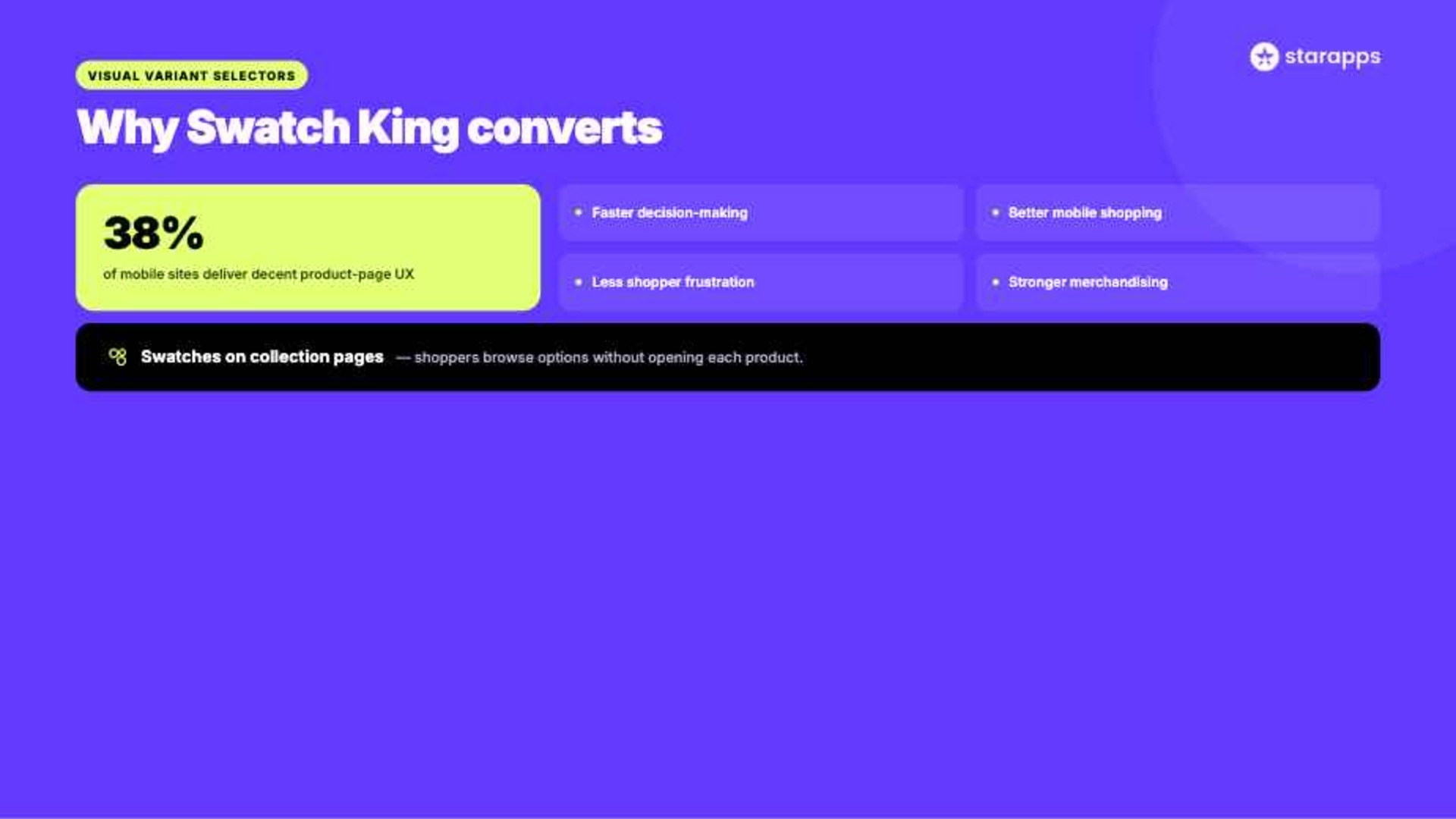
In fact, research shows that only 48% of leading desktop ecommerce sites and 38% of mobile sites deliver a “decent” or “good” product page UX, showing clear room for improvement in how variants are presented. This challenge becomes even more noticeable for fashion, beauty, and home goods brands that manage large catalogs and dozens of product variations.
Visual variant selectors offer a more intuitive way to present product options. Instead of forcing shoppers to guess what each option looks like, you can display colors, images, and other variant details directly on product and collection pages. Shopify Swatch King helps you present variants more clearly in your store by turning standard variant selectors into visual swatches that are easier to browse and compare.
This article explores how Shopify Swatch King works, its key features, setup process, and practical ways to optimize variant options for better user experience and conversion performance.
At a Glance:
- Shopify Swatch King is a Shopify app that replaces traditional selectors with color swatches, image swatches, buttons, and other visual formats across product pages, collections, filters, and recommendations.
- It improves the shopping experience by making product choices faster and clearer, especially on mobile devices, while also reducing confusion around unavailable or hard-to-identify variants.
- The app includes features like color and image-based swatches, collection page variant display, bulk and automated swatch creation, and flexible selector types that adapt to different product attributes.
- Setup involves configuring variant display rules, enabling collection page swatches, and managing inventory visibility, while best practices and the broader StarApps Studio ecosystem help maintain consistency, scalability, and better storefront performance.
What is Shopify Swatch King?
Shopify Swatch King, developed by StarApps Studio, is a Shopify app designed to improve how product variants are displayed across a store. Instead of relying solely on dropdown menus, merchants can present variants using color swatches, image swatches, buttons, and other visual elements that make product selection easier.
Swatch King works across various Shopify themes and supports collection pages, product pages, Shopify Markets, filters, recommendations, and other important storefront functions.
For example, a fashion retailer selling a sweatshirt in ten colors can display each color visually on the collection page and product page. Customers immediately see available options without opening a dropdown menu.
Benefits of Using Shopify Swatch King
The way variants are presented directly affects how customers interact with products. Visual selectors help shoppers understand available options faster, reducing confusion and improving engagement.
Some of the key benefits include:
- Faster Decision-Making: Visual information is processed more quickly than text-based lists. Swatches help customers identify their preferred variant faster, reducing time-to-decision.
- Better Mobile Shopping Experience: Mobile shoppers often struggle with lengthy dropdown menus. Swatches provide a cleaner and more touch-friendly interface.
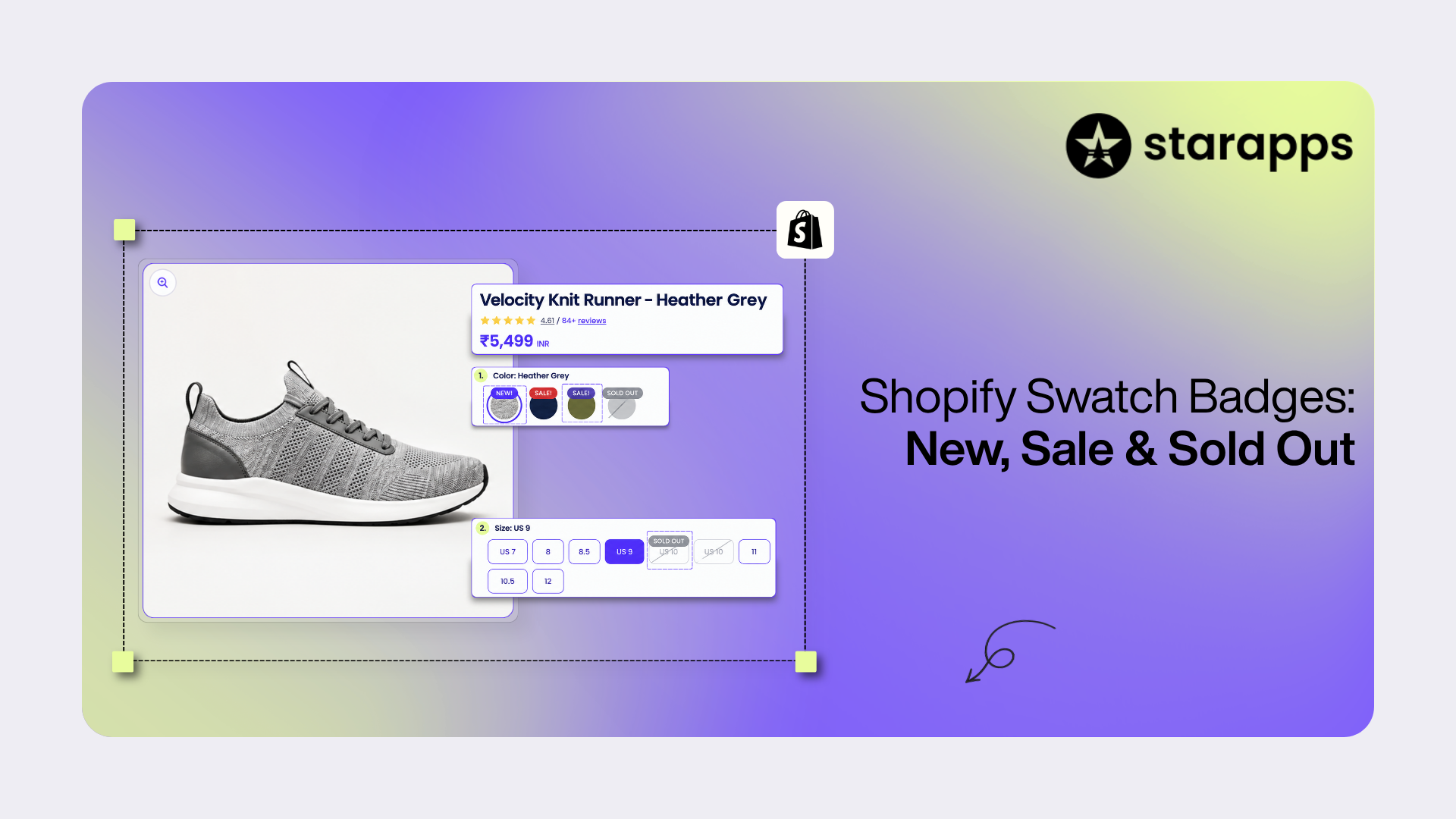
- Reduced Frustration: Displaying unavailable variants appropriately or hiding sold-out options prevents customers from selecting products they cannot purchase.
- Stronger Merchandising Opportunities: Swatches allow merchants to highlight popular colors, seasonal collections, or premium product options more effectively.
- Enhanced Collection Page Experience: Instead of forcing customers to visit individual product pages, swatches can display options directly within collection pages, making browsing more efficient.
Key Features of Shopify Swatch King: Variant Options
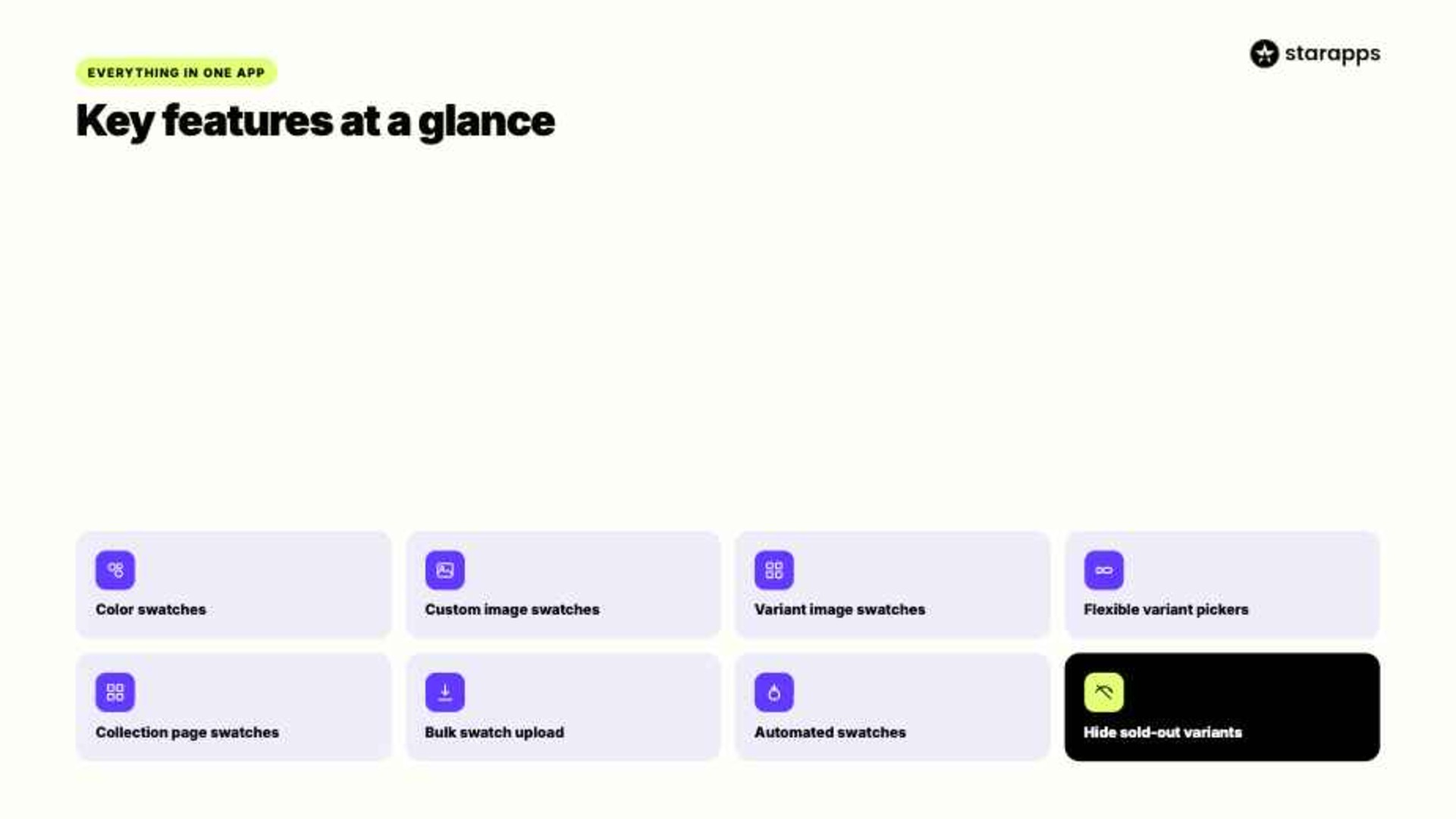
Swatch King offers a set of features for handling product variants and storefront option display. These features help merchants present variants clearly while keeping compatibility with Shopify themes and store functionality.
1. Color Swatches
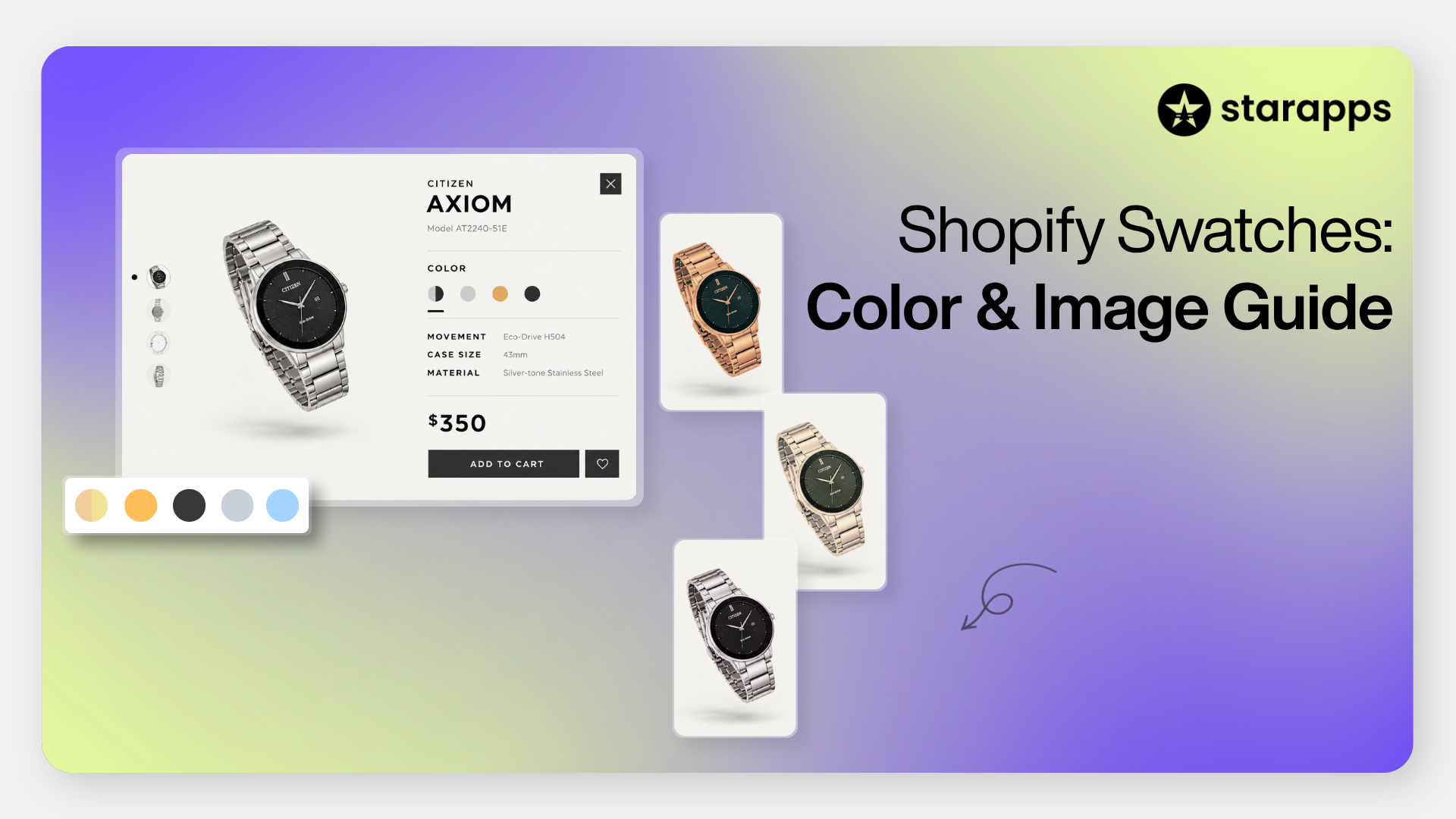
Color swatches replace text-based color options with clickable color samples. This allows customers to identify available colors instantly without opening dropdown menus.
Key advantages:
- Display actual product colors visually
- Reduce the number of clicks needed to select a variant
- Create a more engaging shopping experience
- Work particularly well for fashion, beauty, and home décor products
For example, a clothing store can display all available shirt colors directly on the product page, making comparisons simpler during selection.
2. Custom Image Swatches
Some products require more detail than a simple color indicator. Custom image swatches allow merchants to use images instead of color circles for variant selection.
Key advantages:
- Showcase fabric textures, patterns, or finishes
- Provide a more accurate representation of variants
- Help customers understand product differences quickly
- Support visually driven purchasing decisions
This feature is especially useful for furniture, wallpaper, accessories, and custom-designed products.
3. Variant Image Swatches
Variant image swatches use actual product images as selection options. Customers can preview each variant before clicking, making product comparison much easier.
Key advantages:
- Display real product photos as swatches
- Improve visibility of variant differences
- Help shoppers compare options at a glance
- Support faster purchase decisions
For example, a footwear brand can show miniature images of each shoe colorway, allowing customers to browse all available styles from a single view.
4. Flexible Variant Pickers
Not every product option should be displayed as a swatch. Swatch King allows merchants to choose the most suitable selector style for each variant type.
Available formats:
- Color swatches
- Image swatches
- Buttons
- Dropdown menus
This flexibility helps merchants create a cleaner product page structure while matching selector style to product attributes. For example, colors may appear as swatches while sizes appear as buttons.
5. Collection Page Swatches
Customers often want to see available options before opening a product page. Collection page swatches bring variant selection directly into category and collection views.
Key advantages:
- Display color or size options on collection pages
- Improve product discoverability
- Reduce unnecessary page visits
- Help shoppers browse products more efficiently across listings
This is particularly valuable for stores with large catalogs where customers compare multiple products before making a selection.
6. Bulk Swatch Upload
Managing swatches manually can become time-consuming as catalogs grow. Swatch King simplifies this process through bulk upload functionality.
Key advantages:
- Upload multiple swatches at once using CSV files
- Maintain consistency across large product catalogs
- Reduce manual setup work
- Speed up onboarding for new products
This feature is especially helpful for merchants managing hundreds or thousands of SKUs.
7. Automated Variant Image Swatches
Creating swatches one by one can slow down merchandising workflows. Swatch King includes automated swatch generation using existing variant images.
Key advantages:
- Generate swatches automatically from product images
- Minimize repetitive setup tasks
- Keep variant presentation consistent
- Save time during catalog updates
For stores that frequently add new products, automation helps maintain a professional storefront without increasing operational workload.
8. Hide Sold-Out Variants
Showing unavailable options can frustrate customers and create unnecessary friction. Swatch King gives merchants control over how out-of-stock variants appear.
Key advantages:
- Hide unavailable variants from shoppers
- Keep product pages focused on purchasable options
- Reduce customer disappointment
- Create a cleaner browsing experience
This feature is particularly useful during seasonal sales or inventory fluctuations.
9. Shopify Ecosystem Compatibility
As stores grow, variant tools need to work alongside other Shopify features and apps. Swatch King is designed to integrate with various Shopify functionalities.
Compatible with:
- Shopify Markets
- B2B storefronts
- Product filters and search
- Size charts
- Product recommendations
- Collection pages
This compatibility helps merchants maintain a consistent shopping experience without disrupting existing store operations.
How to Set Up Shopify Swatch King: Step-by-Step Process
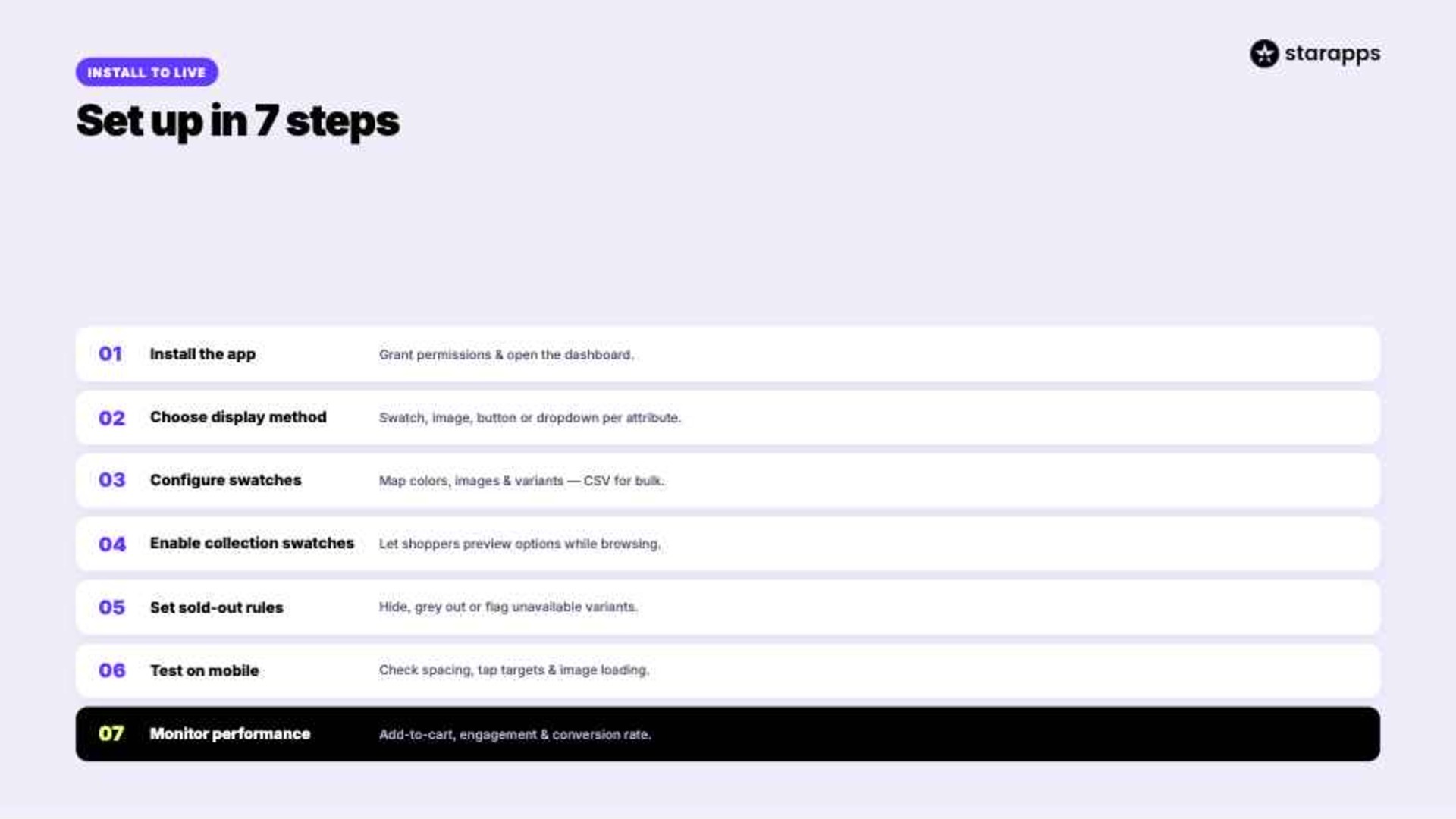
Setting up Swatch King is straightforward, but taking the time to configure settings properly can improve how product variants work on the storefront.
The following process can help merchants create a more usable variant experience for shoppers.
Step 1: Install Shopify Swatch King
Begin by installing the app from the Shopify App Store.
After installation:
- Grant required permissions
- Access the Swatch King dashboard
- Review theme compatibility settings
This sets the base for configuration inside the store setup process.
Step 2: Choose Your Variant Display Method
Decide how each variant should appear.
Examples:
Selecting the right format helps improve how users scan and pick product options.
Step 3: Configure Swatches
Once display types are selected, configure variant mappings.
This includes:
- Assigning colors
- Uploading custom images
- Linking variant images
- Creating button styles
Merchants with large catalogs can use CSV uploads to speed up bulk configuration work.
Step 4: Enable Collection Page Swatches
Collection pages are often the first touchpoint for shoppers.
Activating swatches on collection pages allows customers to:
- Preview colors
- Compare variants
- Explore products faster
This reduces unnecessary page navigation.
Step 5: Configure Sold-Out Variant Rules
Choose how unavailable products should appear.
Options may include:
- Hide completely
- Grey out options
- Display unavailable status
Many merchants prefer hiding sold-out variants to make product selection easier and reduce confusion.
Step 6: Test Mobile Performance
A significant percentage of Shopify traffic comes from mobile devices.
Review:
- Swatch spacing
- Tap targets
- Variant image loading
- Responsive behavior
Small usability issues can directly affect how smoothly users complete variant selection on mobile.
Step 7: Monitor Store Performance
Track performance before and after implementation.
Useful metrics include:
- Add-to-cart rate
- Product page engagement
- Bounce rate
- Conversion rate
- Time on page
Monitoring these metrics helps identify where variant setup is improving or slowing user actions.
Best Practices for Designing High-Converting Variant Options
Simply adding swatches is not enough. The way variant selectors are designed and implemented plays a significant role in customer behavior.
The following practices can help create a stronger shopping experience.
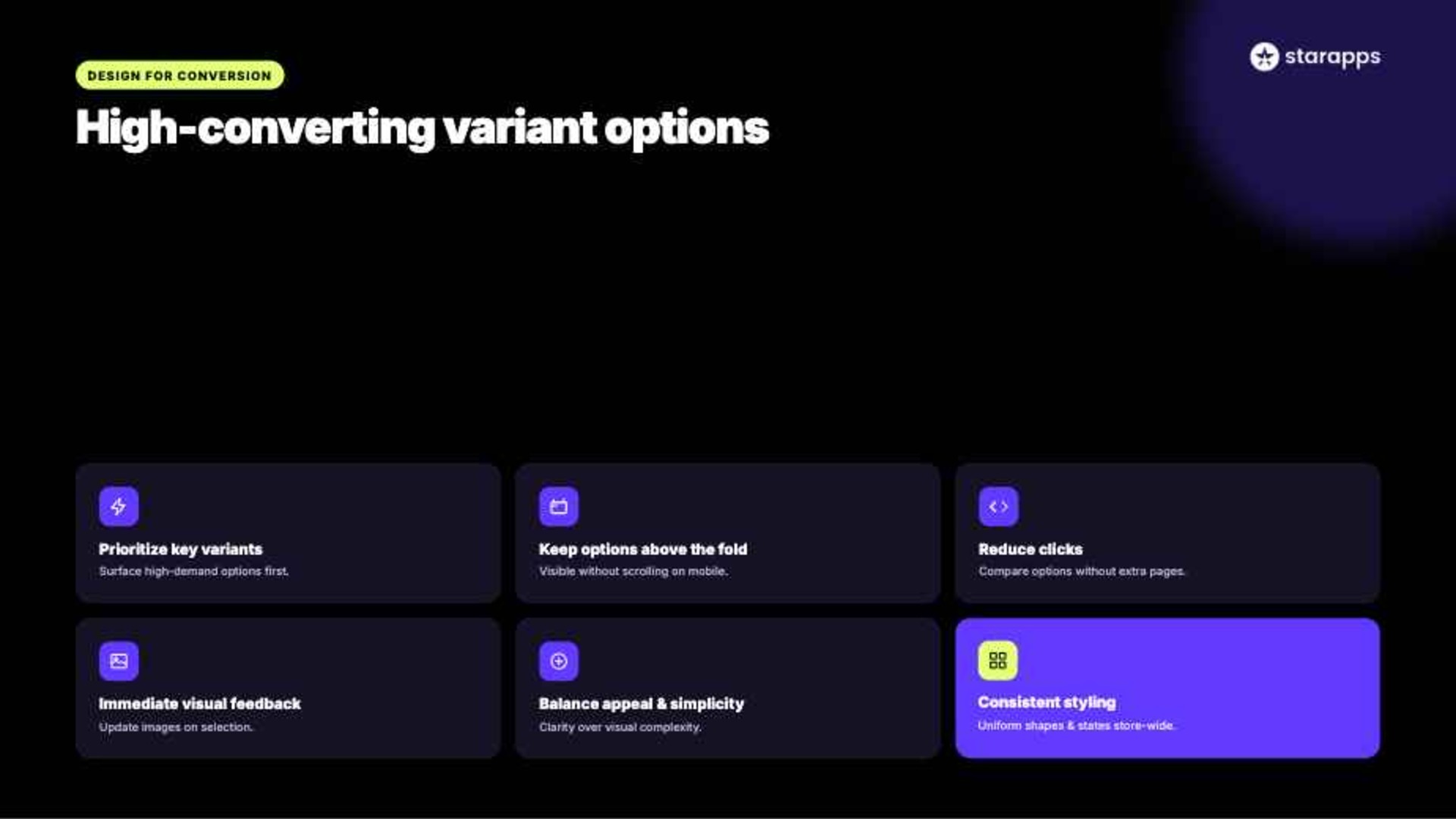
- Prioritize the most important variants visually: Place high-demand or frequently selected options first so customers can find them quickly without scanning through every choice.
- Display variant options above the fold whenever possible: Customers should be able to see available colors, styles, or sizes without excessive scrolling, especially on mobile devices.
- Reduce unnecessary clicks during product exploration: Allow customers to compare available options quickly rather than forcing them to open multiple product pages to view different variants.
- Provide immediate visual feedback after selection: When customers choose a variant, related product information and images should update clearly so they can confirm their choice with confidence.
- Balance visual appeal with simplicity: Offering too many styling elements can overwhelm shoppers. Focus on clarity and ease of use rather than adding unnecessary visual complexity.
- Keep swatch styling consistent across the store: Uniform shapes, sizes, spacing, and interaction states create a cleaner shopping experience and reinforce brand consistency.
How StarApps Studio Helps Maximize Shopify Swatch King Performance
Choosing the right variant presentation strategy is only part of the solution. Merchants also need tools that integrate smoothly with Shopify themes while supporting long-term growth.
StarApps Studio provides a suite of Shopify apps that help merchants improve product display, variant management, SEO, and customer experience.
More than 25,000 merchants use StarApps solutions to optimize storefront performance across a wide range of industries.
SA Variant Image Automator
- Auto-assignment of variant images: Automatically maps images to specific variants, eliminating manual tagging and reducing merchandising errors.
- Cleaner product galleries: Displays only variant-relevant images when a customer makes a selection, improving clarity during product evaluation.
- Better conversion clarity: Helps customers visually confirm the exact product they are selecting, especially useful for fashion and lifestyle brands with multiple colorways.
SA Variants: Combined Listings
- Variant-level product listings: Each variant can appear as an individual listing with its own image, URL, and metadata, improving visibility in collections.
- Stronger SEO structure: Creates unique URLs for variants, helping search engines index products more effectively and improving organic reach.
- Improved filtering and search experience: Makes it easier for customers to discover specific variants using Shopify search and collection filters.
Variant Alt Text King: SEO
- Automated ALT text generation: Uses product and variant data to generate optimized ALT text for images without manual effort.
- Daily sync for new products: Ensures all newly added images remain SEO-ready and accessible without ongoing maintenance.
- Accessibility compliance support: Helps merchants align with WCAG and ADA accessibility expectations, improving usability for screen readers.
Variant Title King: Color, SKU
- Dynamic title updates: Automatically reflects selected attributes such as color, SKU, or product type in product titles.
- Better inventory clarity: Helps internal teams and customers clearly identify product variations without confusion.
- Flexible configuration options: Allows merchants to customize which attributes appear in product titles based on catalog needs.
Variant Descriptions King
- Variant-specific descriptions: Displays tailored information such as sizing, material, or care instructions for each variant.
- Tabbed and accordion layouts: Keep product pages clean while still providing detailed information when needed.
- Cross-page usability: Can also be used for FAQs, shipping, and return policies, improving consistency across storefront content.
Conclusion
Variant presentation has a direct impact on how customers browse, evaluate, and purchase products. Traditional dropdown menus often make product discovery slower, particularly for stores with extensive color, size, or style options. Shopify Swatch King addresses this challenge by replacing text-based selectors with visual swatches, image selectors, buttons, and collection-page variant displays that make shopping more intuitive.
As your catalog grows, thoughtful variant presentation becomes increasingly important. The right variant strategy depends on your product catalog, customer expectations, and merchandising goals.
For merchants seeking a scalable approach to variant management, StarApps Studio offers a suite of Shopify apps designed to improve product display, SEO, merchandising, and customer navigation.
Connect with StarApps Studio today for a conversion-focused storefront experience.
FAQs
1. Can I A/B test different swatch layouts or styles to improve conversions?
Yes, you can A/B test different swatch layouts or styles using Shopify’s built-in analytics or third-party split testing tools alongside Swatch King. This helps compare variations and identify which design improves engagement and conversions effectively.
2. Can I use images from a CDN or external URL as swatch images?
Yes, Swatch King supports using images from a CDN or external URLs for swatches, allowing you to host visuals externally while ensuring they display seamlessly across product pages without affecting performance or compatibility.
3. Can I show a “view all colors” or “more options” link within Swatch King?
Yes, Swatch King allows you to display a “view all colors” or “more options” link within swatches, helping customers easily explore the full range of available variants without cluttering the product page interface.
4. Does Swatch King support conditional logic, such as showing specific swatches only after another option is chosen?
Yes, Swatch King supports conditional logic, enabling you to display specific swatches based on selected options. This helps create dynamic product experiences where only relevant variants appear after a customer makes a prior selection.
5. Is there a free trial for Swatch King to test variant options before committing?
Yes, Swatch King offers a free trial so you can test variant swatch options before committing, allowing you to explore features, customization, and performance improvements directly within your Shopify store setup.
Heading

End-to-end traceability
To ensure regulatory compliance, you must have a complete overview of your products from production to shipping. Book a demo to see how Katana can give you full visibility of your operations.

.png)

.svg)

.svg)

.svg)
.png)